Local NZ Stock
Stocked in Queenstown
Daily Dispatch
2pm cut-off, overnight NZ
Quality Focused
Tested, warranty backed
Owned & Operated
Kiwi owned since 2017
GA Tech repair services
Need phone repair in Queenstown? GA Tech repairs iPhone, Samsung, OPPO and other mobile devices, plus MacBook, tablet, laptop and game console repairs. Choose Queenstown drop-off or courier send-in across New Zealand, then select your repair, request a fault assessment, or add an insurance report where needed.
 In Stock!
 In Stock!
 In Stock!
 In Stock!
 In Stock!
 In Stock!
 In Stock!
 In Stock!
 In Stock!
 In Stock!
 In Stock!
 In Stock!
 In Stock!
 In Stock!
 In Stock!
 In Stock!
 In Stock!
 In Stock!
 In Stock!
 In Stock!
 In Stock!
 In Stock!
 In Stock!
 In Stock!
 In Stock!
 In Stock!
 In Stock!
 In Stock!
 In Stock!
 In Stock!
 In Stock!
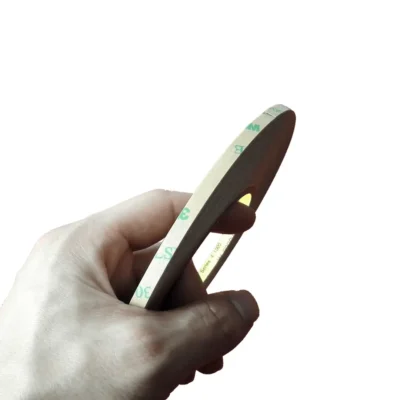
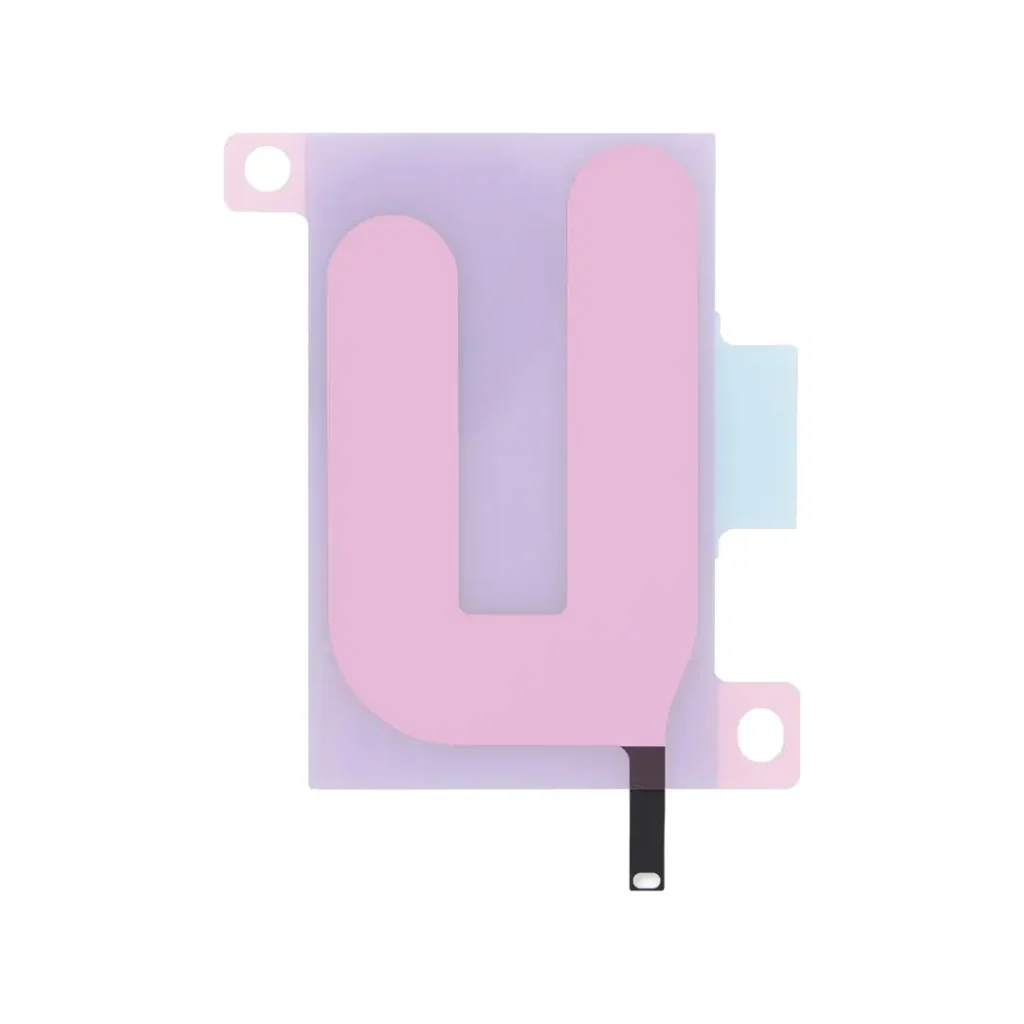
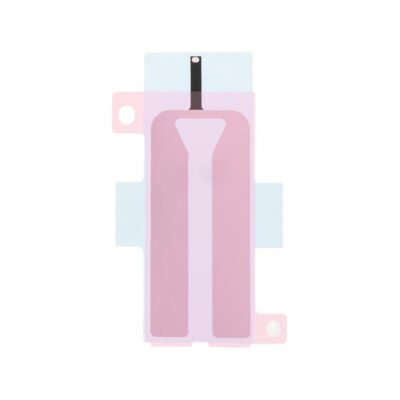
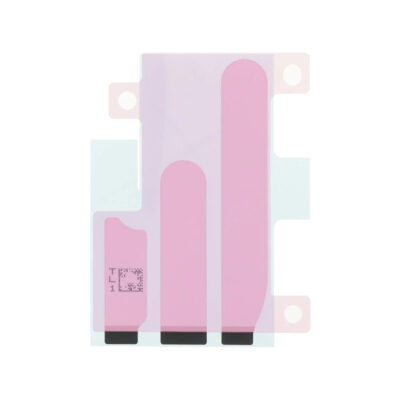
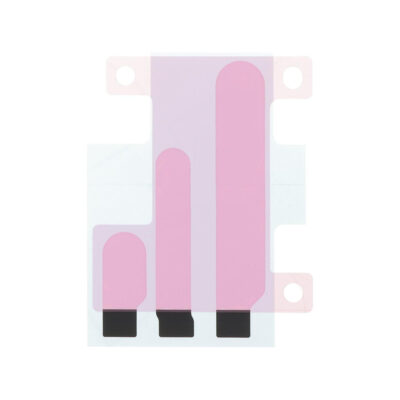
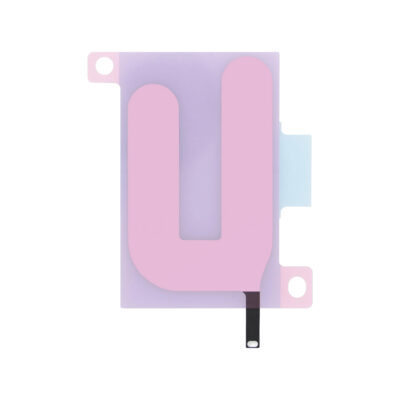
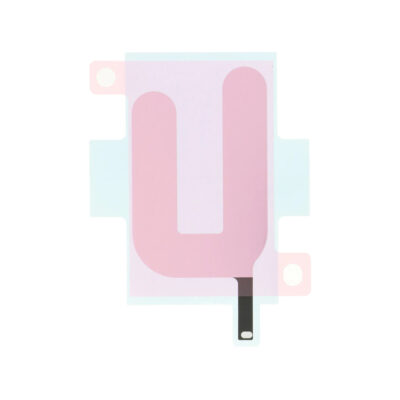
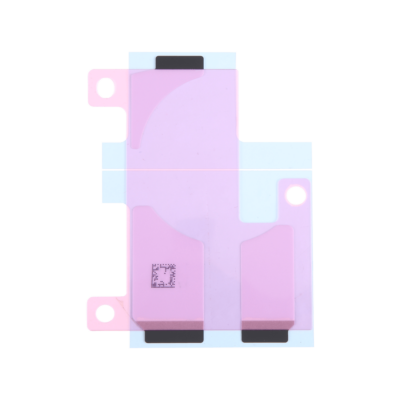
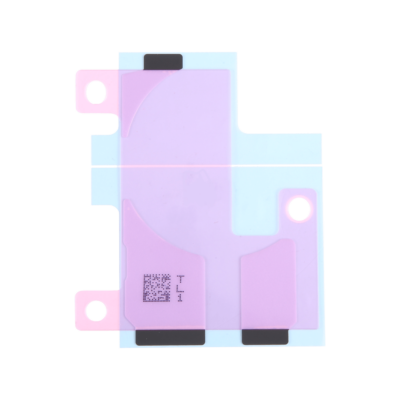
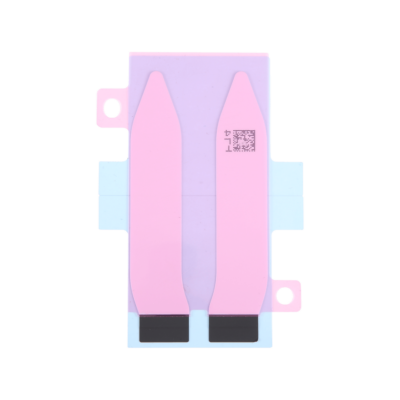
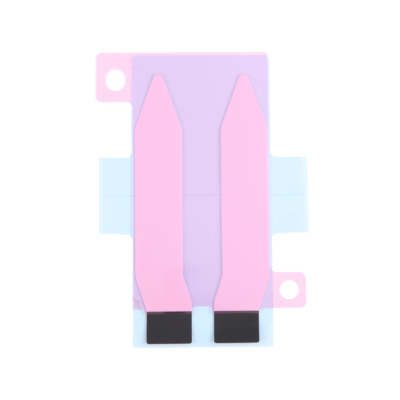
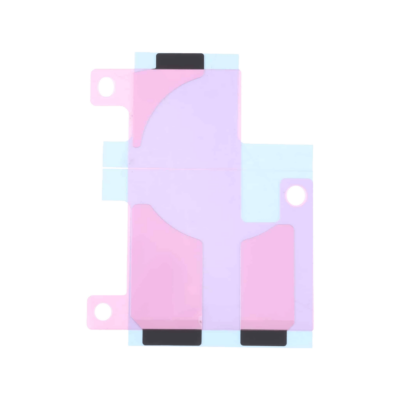
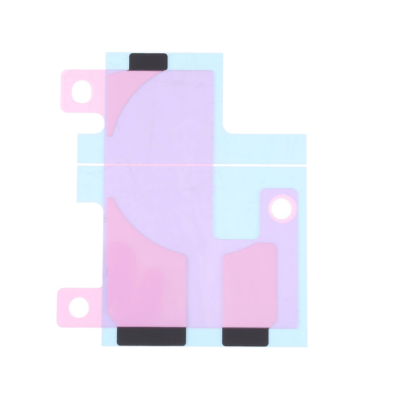
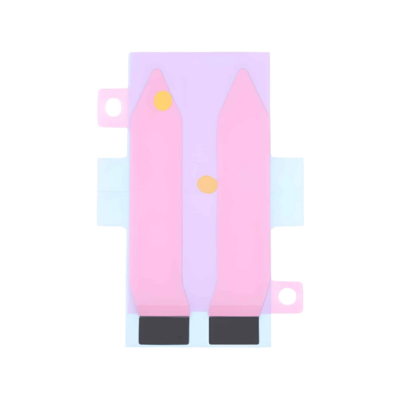
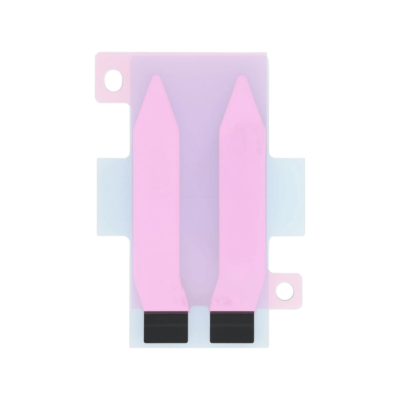
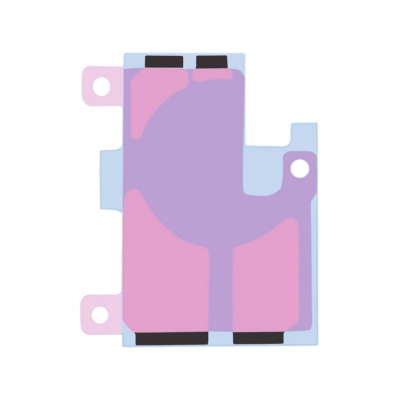
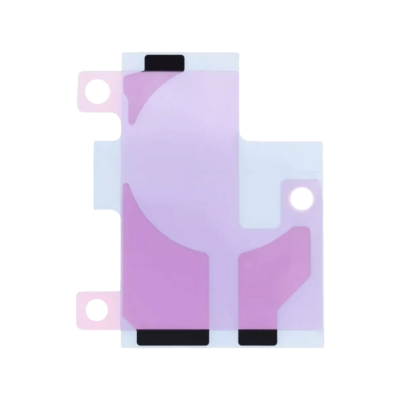
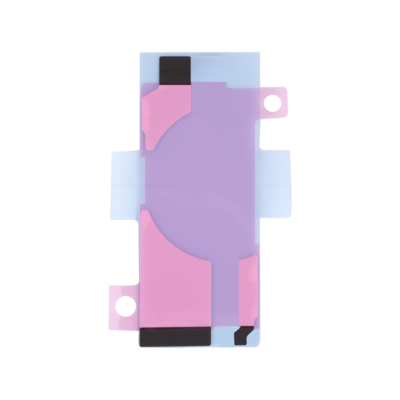
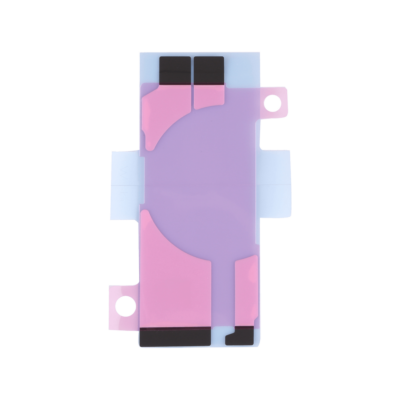
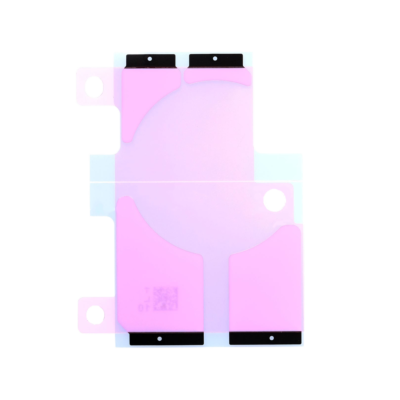
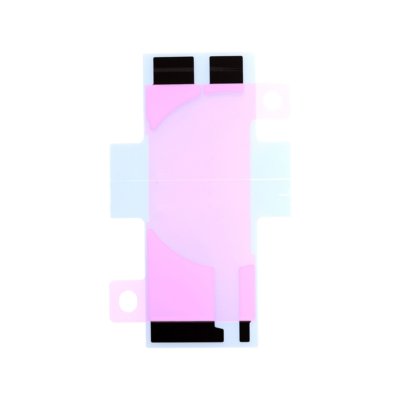
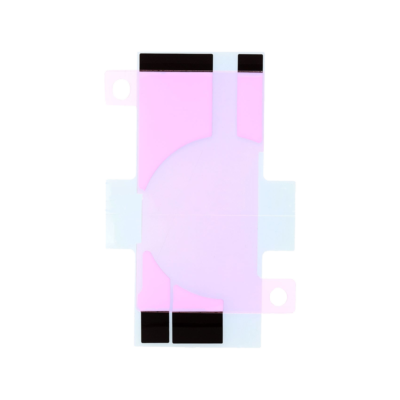
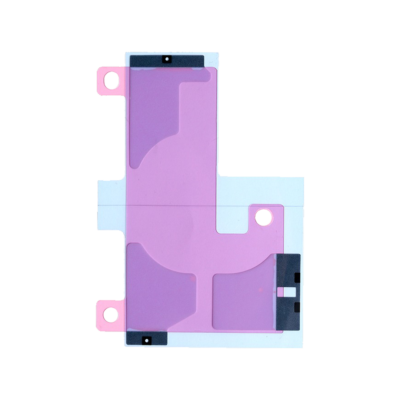
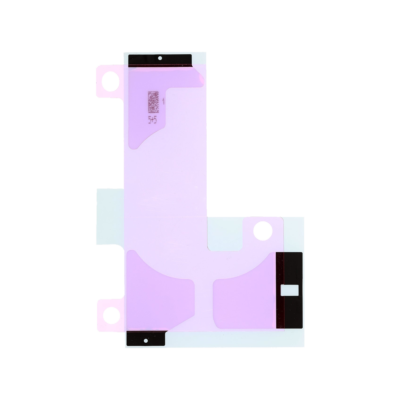
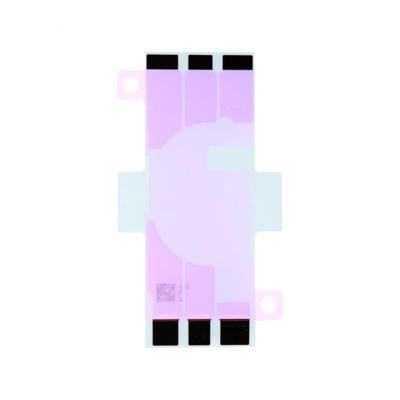
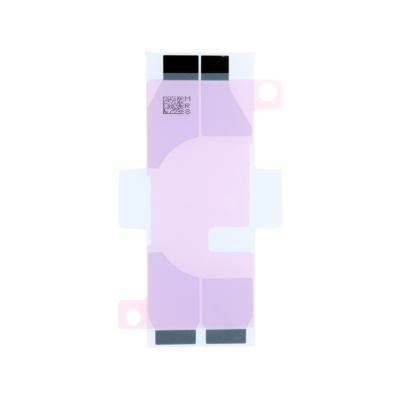
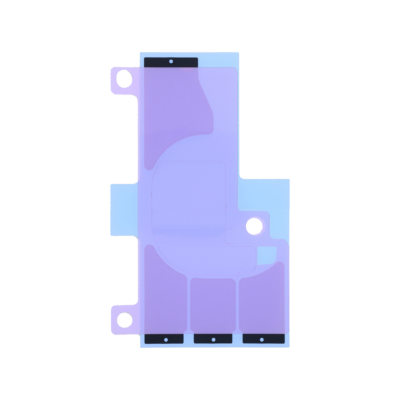
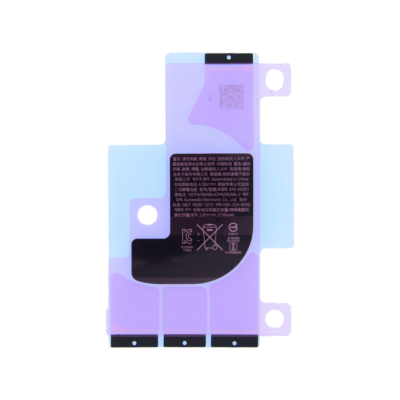
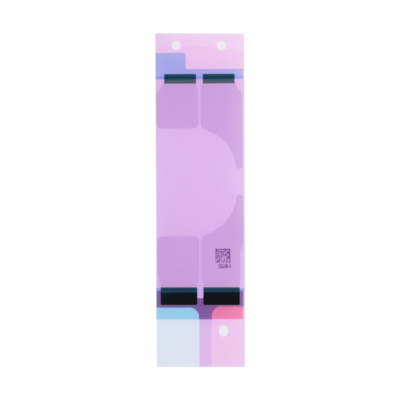
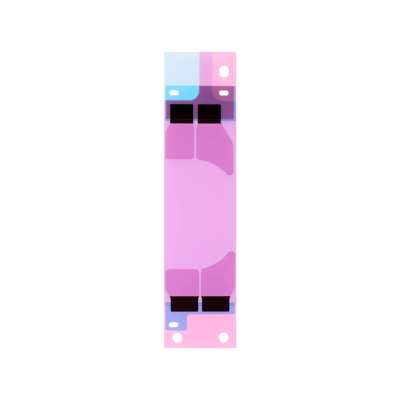
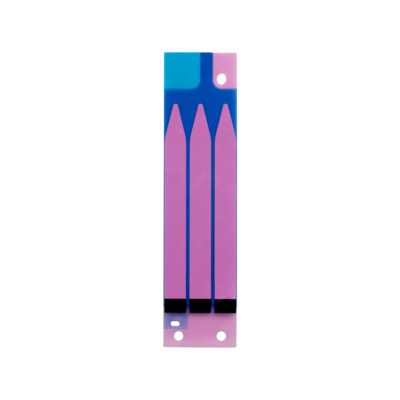
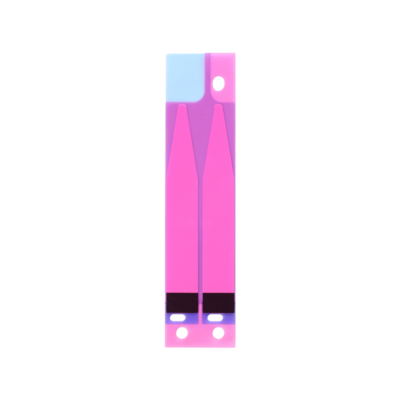
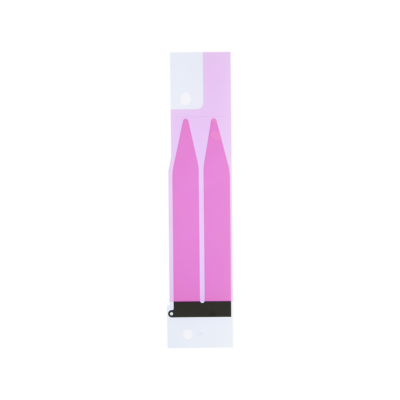
Pre-cut iPhone battery adhesive for NZ repair shops and DIY repairers, stocked in Queenstown. Each listing is cut for one iPhone model, or for a group of models that share a battery shape, and holds the battery firmly in place inside the phone.
The adhesive under an iPhone battery is used up as the battery comes out. Stretch-release strips are pulled out of the phone, and adhesive released with an electric current cannot be reused, so every battery that comes out needs new adhesive before it goes back in. That includes a battery lifted out to reach another part.
Stretch-release strips with pull tabs. Most iPhones use these. Pulling each black tab slowly at a low angle stretches the strip until it lets go, so the battery lifts out without prying.
Adhesive released with an electric current. Some newer iPhones have no pull tabs. Their adhesive lets go when a small current is passed through it, and Apple’s repair manual uses a 9-volt battery for about 90 seconds. Our replacement adhesive for these models releases the same way, so the battery can come out again later.
The product page for each model says which kind it uses, lists the Apple model numbers it fits and explains how the old battery comes out.
Match the adhesive to your exact iPhone model. Find the model number in Settings, then General, then About: tap the number shown until it starts with an A, then check it against the list on the product page.
Remove every trace of the old adhesive, clean the surface with high-concentration isopropyl alcohol and let it dry. Line the new adhesive up before it touches, because once it sticks it cannot be peeled off and repositioned. Press the battery down evenly, then reconnect it and check that the phone powers on and charges before closing it.
Never pry against a battery, bend it or puncture it: a damaged lithium battery can catch fire. If a pull tab snaps, a few drops of high-concentration isopropyl alcohol under the battery soften what is left.
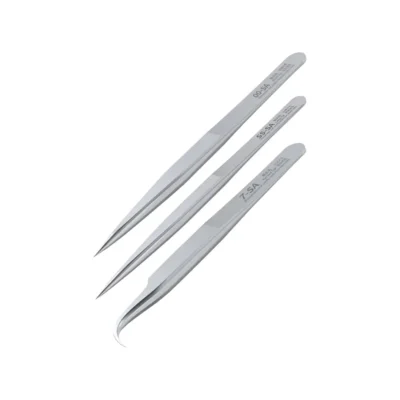
Replacement batteries are under iPhone replacement batteries, and each battery page says whether adhesive comes with it. Screen repairs need their own iPhone screen adhesive, and spudgers and tweezers are in our repair tools range.
Everything here is held locally. Orders placed before 2pm on a working day are packed and dispatched that afternoon, which for most of the country means next day. Repair shops and resellers can apply for trade pricing through wholesale deals.
Yes. Stretch-release strips are pulled out as the battery comes out, and adhesive released with an electric current cannot be reused, so a battery always goes back in on new adhesive.
The product page for your model says whether it uses stretch-release strips with pull tabs or adhesive released with an electric current, and how the old battery comes out.
Pull any remaining strips slowly at a low angle. Where a strip has broken off, a few drops of high-concentration isopropyl alcohol under the battery soften the adhesive after a minute or so. Never pry against the battery.
Some do and some do not. Each battery page says whether adhesive comes with it, so check before ordering.
Yes. We replace iPhone batteries: see iPhone repair prices for the models we fit and what it costs.