
Local NZ Stock
Stocked in Queenstown
Daily Dispatch
2pm cut-off, overnight NZ
Quality Focused
Tested, warranty backed
Owned & Operated
Kiwi owned since 2017
GA Tech repair services
Need phone repair in Queenstown? GA Tech repairs iPhone, Samsung, OPPO and other mobile devices, plus MacBook, tablet, laptop and game console repairs. Choose Queenstown drop-off or courier send-in across New Zealand, then select your repair, request a fault assessment, or add an insurance report where needed.
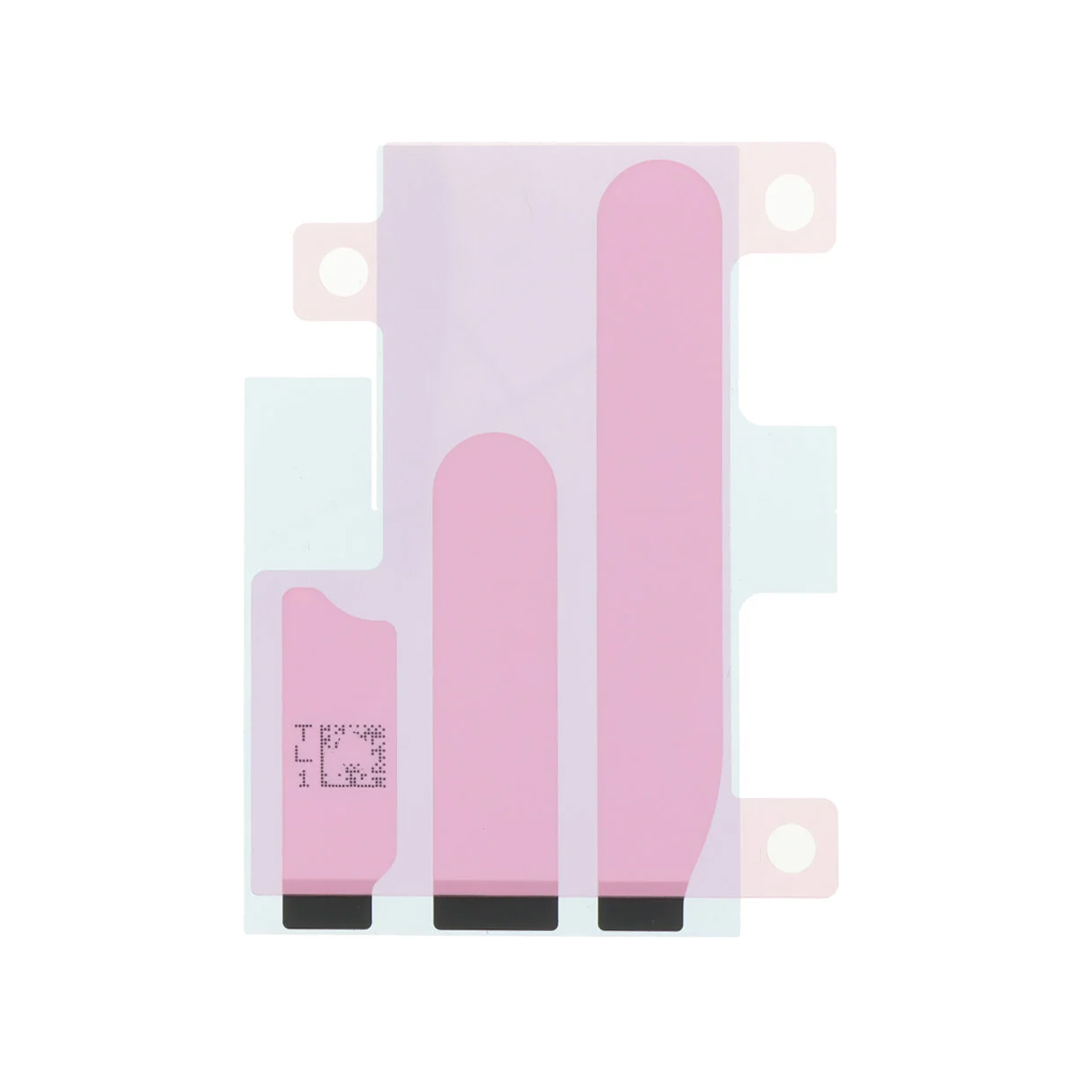
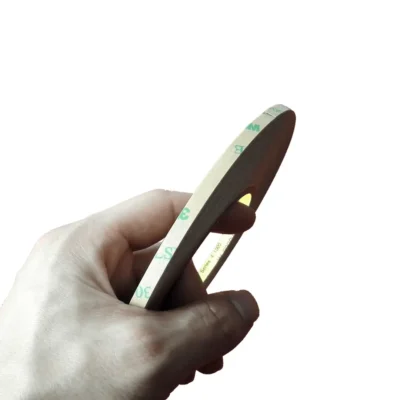
Pre-cut stretch-release adhesive strips that hold the battery in the iPhone 16 Pro Max. A battery replacement uses up the old strips, so fit a new set every time the battery comes out. Sent from New Zealand stock.
Place your order by 2PM on business days for same-day dispatch. Tracked overnight delivery for only $8 urban areas or $13 rural locations, across New Zealand.
50 in stock
 In Stock!
 In Stock!
 In Stock!
 In Stock!
These pre-cut battery adhesive strips hold the battery firmly in the iPhone 16 Pro Max, so it cannot shift inside the phone. The factory strips are stretched out as the battery comes out and cannot be used again, so every battery replacement needs a new set. So does refitting the original battery after a repair that meant taking it out.
Each strip ends in a black pull tab. When the battery has to come out again, pulling the tabs stretches the strips until they let go, which is far safer than prying against the battery.
You get one pre-cut set of strips on its liner, as pictured. They are single use: once they are stuck down, they cannot be lifted and repositioned.
iPhone 16 Pro Max model numbers A3084, A3295, A3296 and A3297. Find yours in Settings, then General, then About: tap the number shown until it starts with an A.
Match the adhesive to your exact model. We also stock battery adhesive for the iPhone 16, iPhone 16 Plus, iPhone 16 Pro and iPhone 16e.
The battery in the iPhone 16 Pro Max is held by stretch-release strips. Pull each black tab slowly and steadily at a low angle, keeping the strip flat: it stretches and lets go of the battery. If a strip snaps, a few drops of high-concentration isopropyl alcohol under the battery soften what is left after a minute or so.
Never pry against the battery, bend it or puncture it. A damaged lithium battery can catch fire.
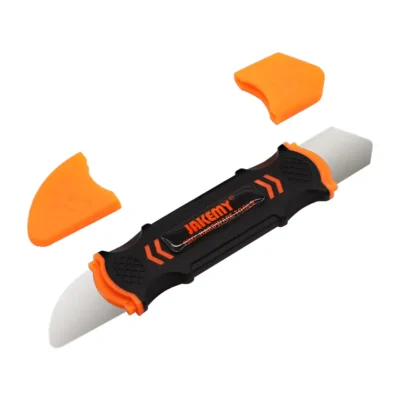
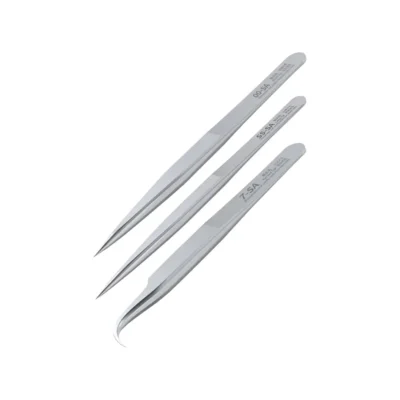
Spudgers and tweezers are in our repair tools range. Rather have us do it? See iPhone repair prices.
Yes. The old strips stretch out as the battery comes out and will not hold again, so every battery replacement needs a new set.
Pull any remaining strips slowly at a low angle. Where a strip has broken off, a few drops of high-concentration isopropyl alcohol under the battery soften the adhesive after a minute or so. Never pry against the battery or bend it.
Yes. Our iPhone 16 Pro Max replacement battery has the adhesive already applied. These strips are for refitting a battery without it, such as the original battery after a repair that meant taking it out.
No. The iPhone 16 Pro and iPhone 16 Pro Max still use stretch-release strips with pull tabs, while the iPhone 16 and iPhone 16 Plus use adhesive released with an electric current.
Open Settings, then General, then About, and tap the number shown until it starts with an A. Match it to the model numbers listed on this page.
Yes. We replace iPhone batteries: see iPhone repair prices for the models we fit and what it costs.
Your cart is empty.
Continue shopping


Reviews
There are no reviews yet.