
Local NZ Stock
Stocked in Queenstown
Daily Dispatch
2pm cut-off, overnight NZ
Quality Focused
Tested, warranty backed
Owned & Operated
Kiwi owned since 2017
GA Tech repair services
Need phone repair in Queenstown? GA Tech repairs iPhone, Samsung, OPPO and other mobile devices, plus MacBook, tablet, laptop and game console repairs. Choose Queenstown drop-off or courier send-in across New Zealand, then select your repair, request a fault assessment, or add an insurance report where needed.
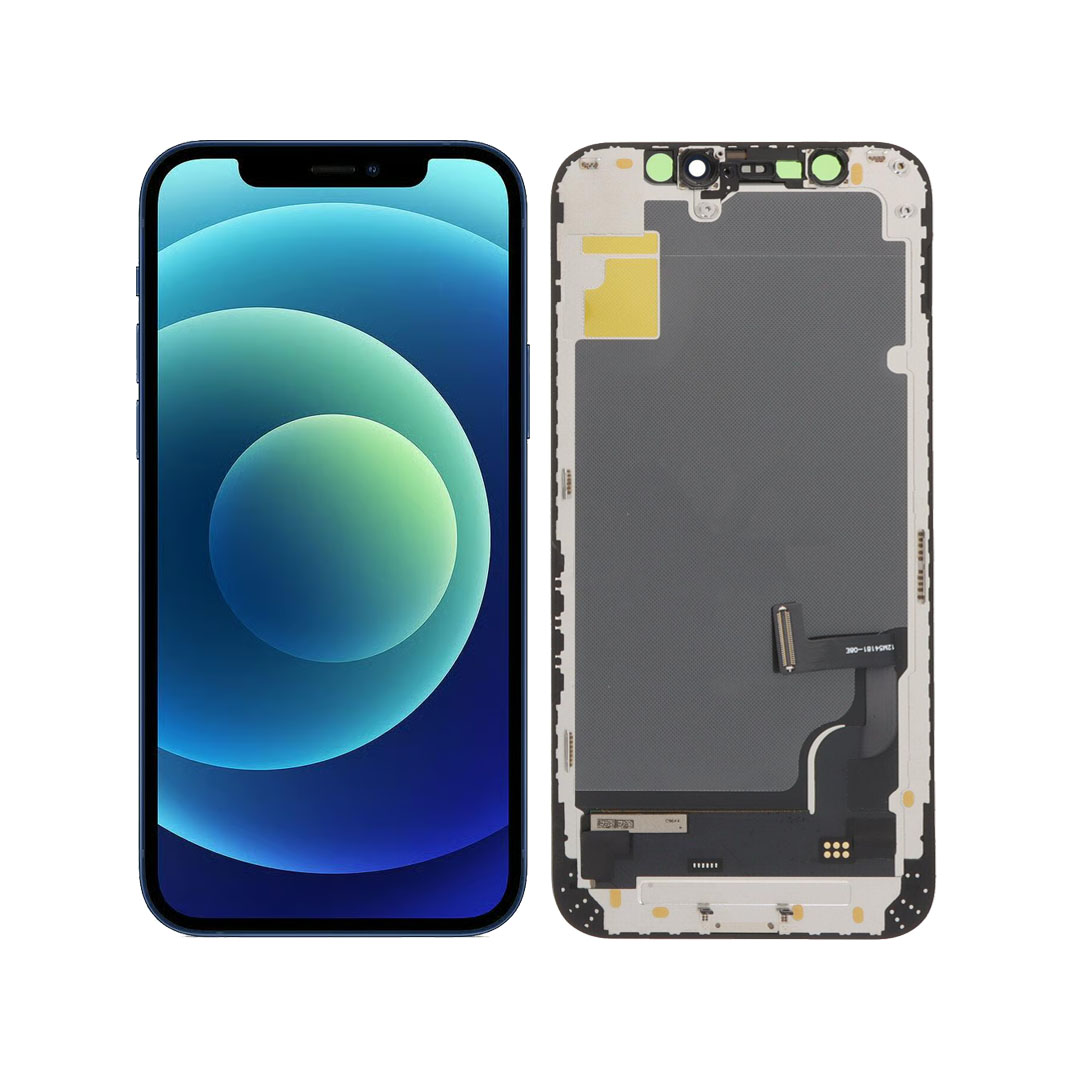
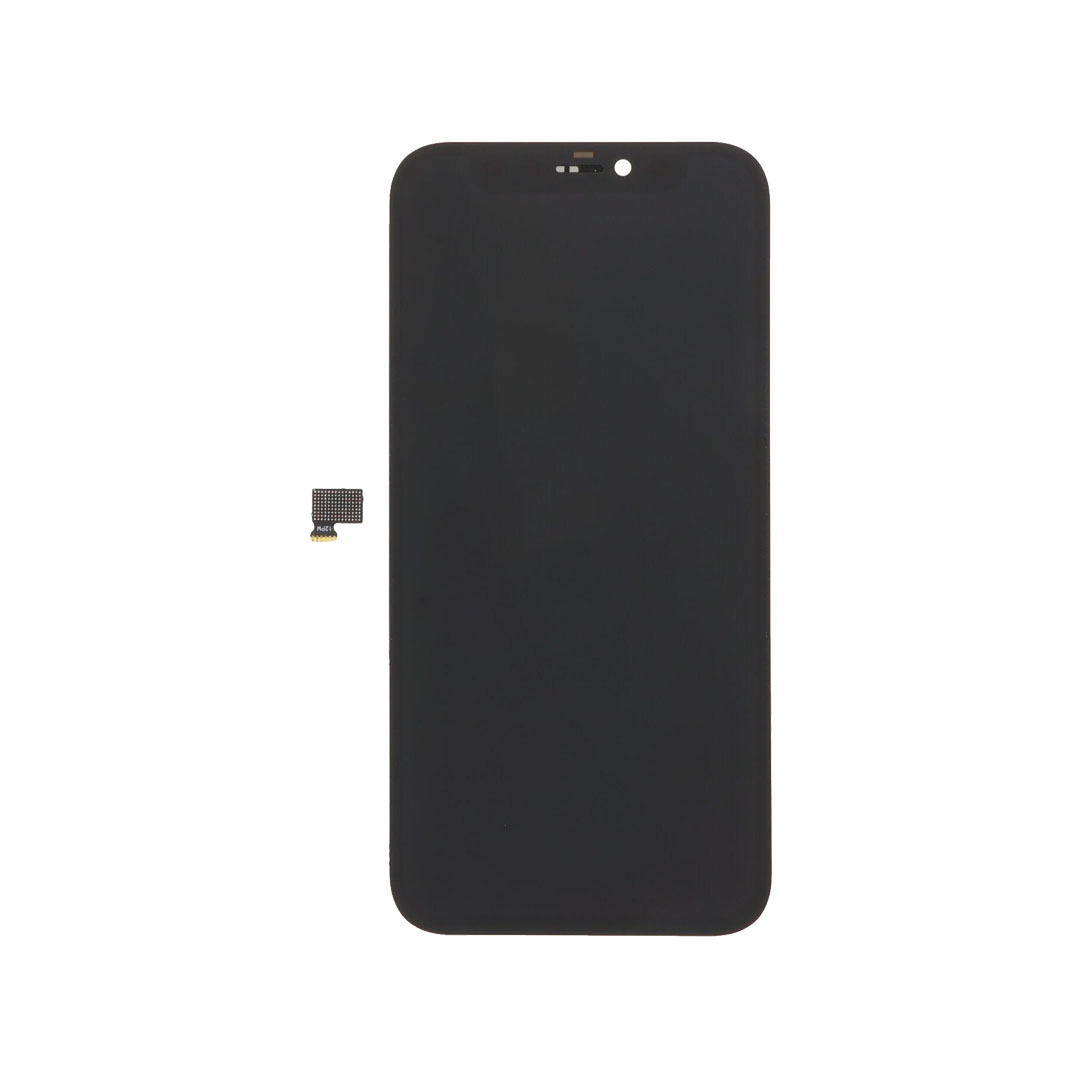
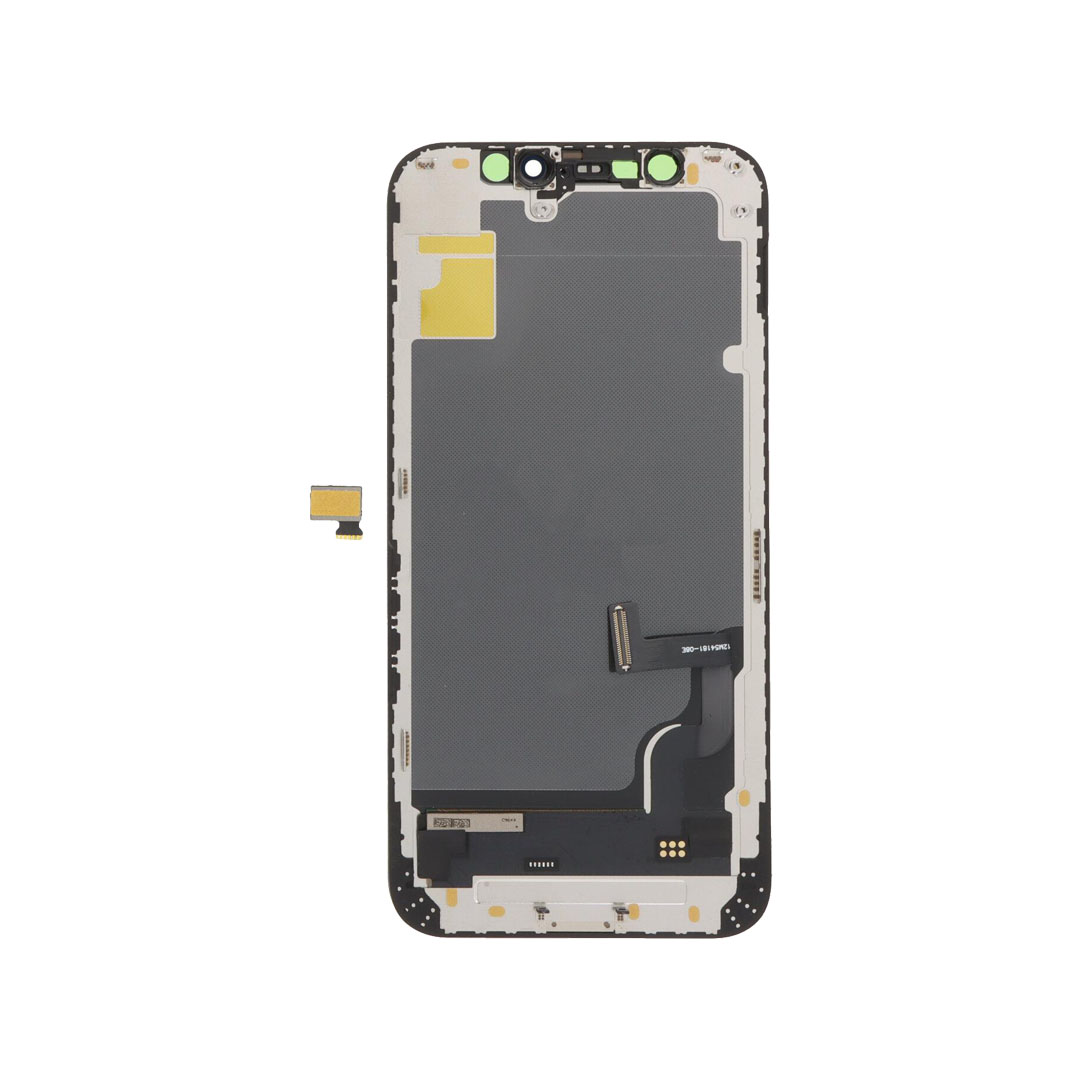
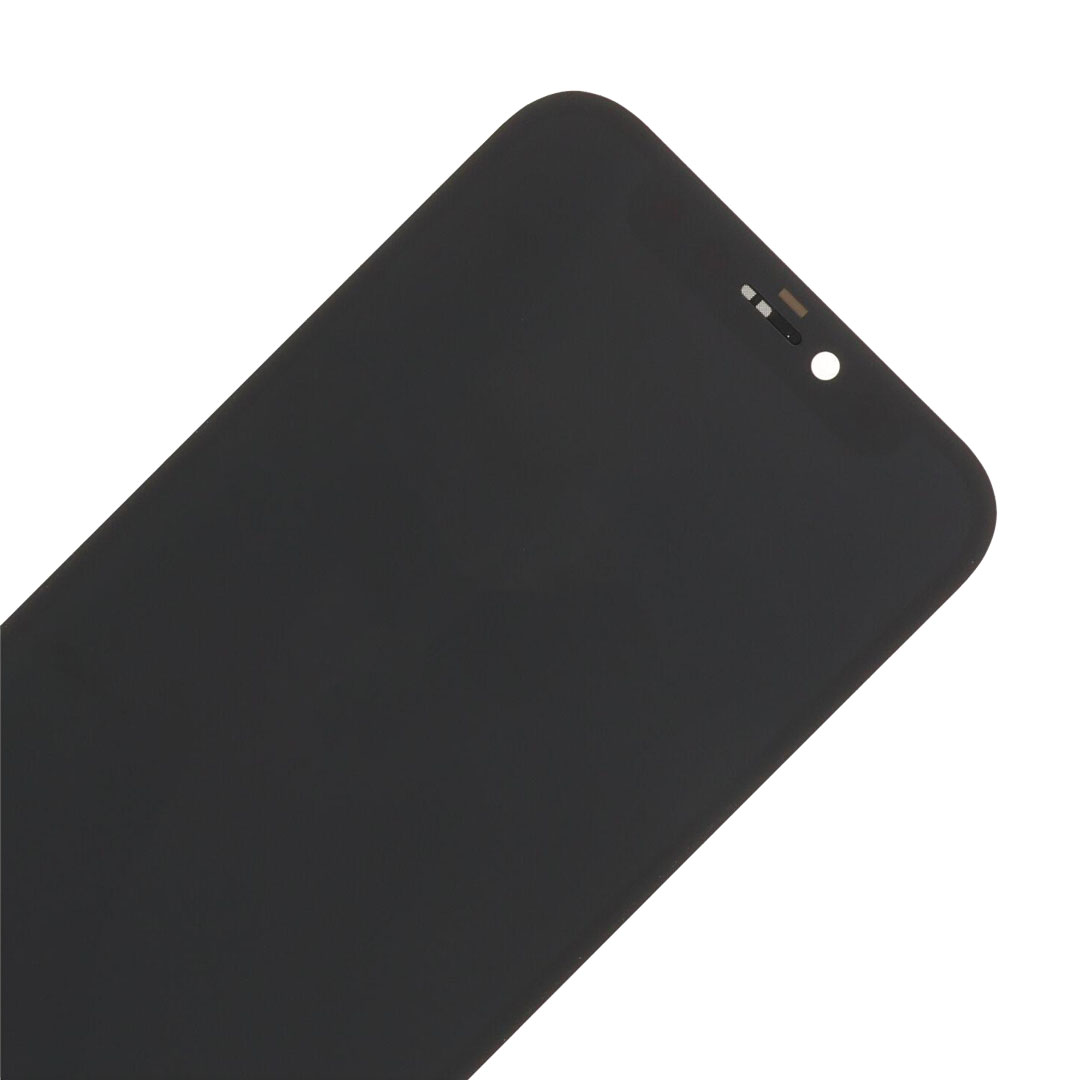
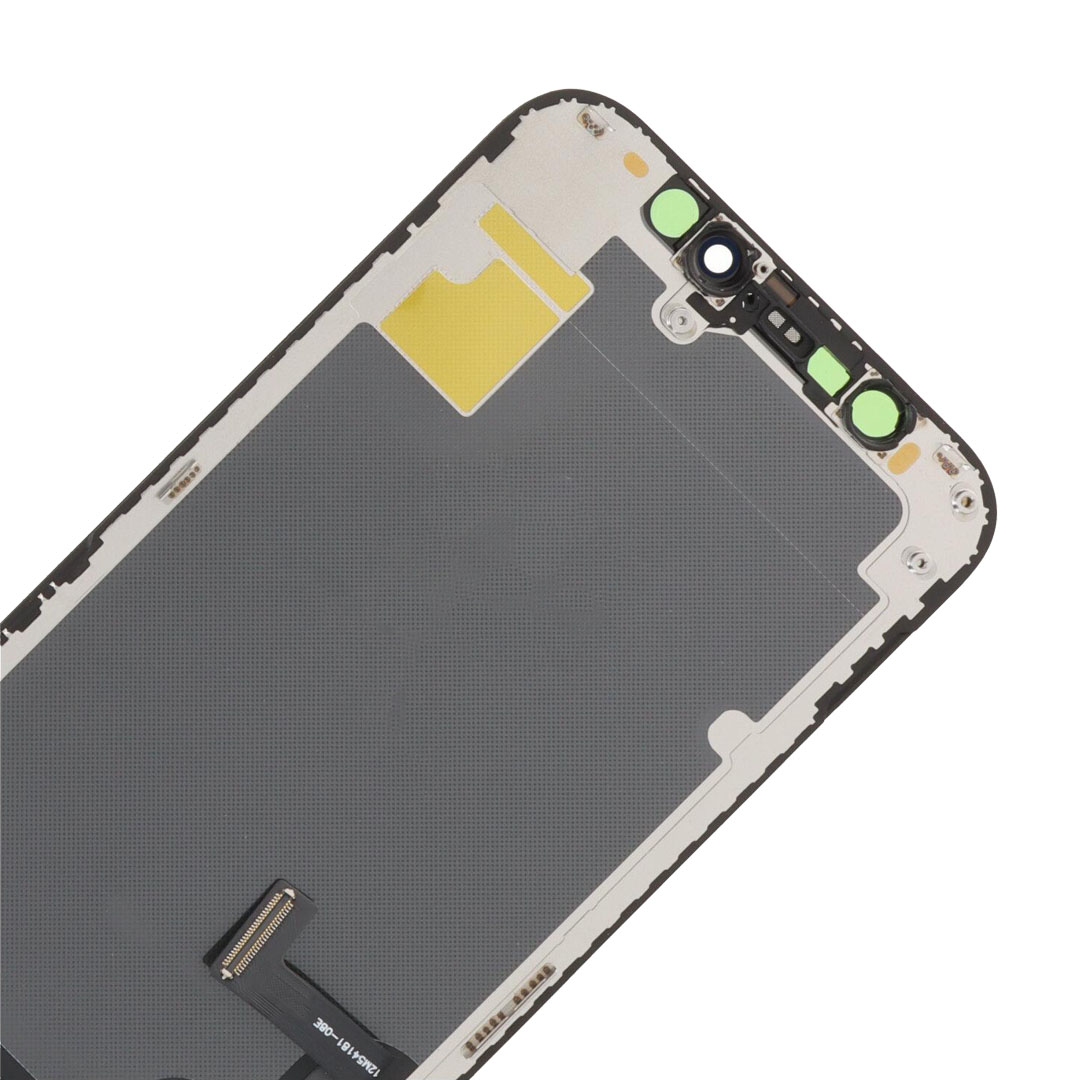
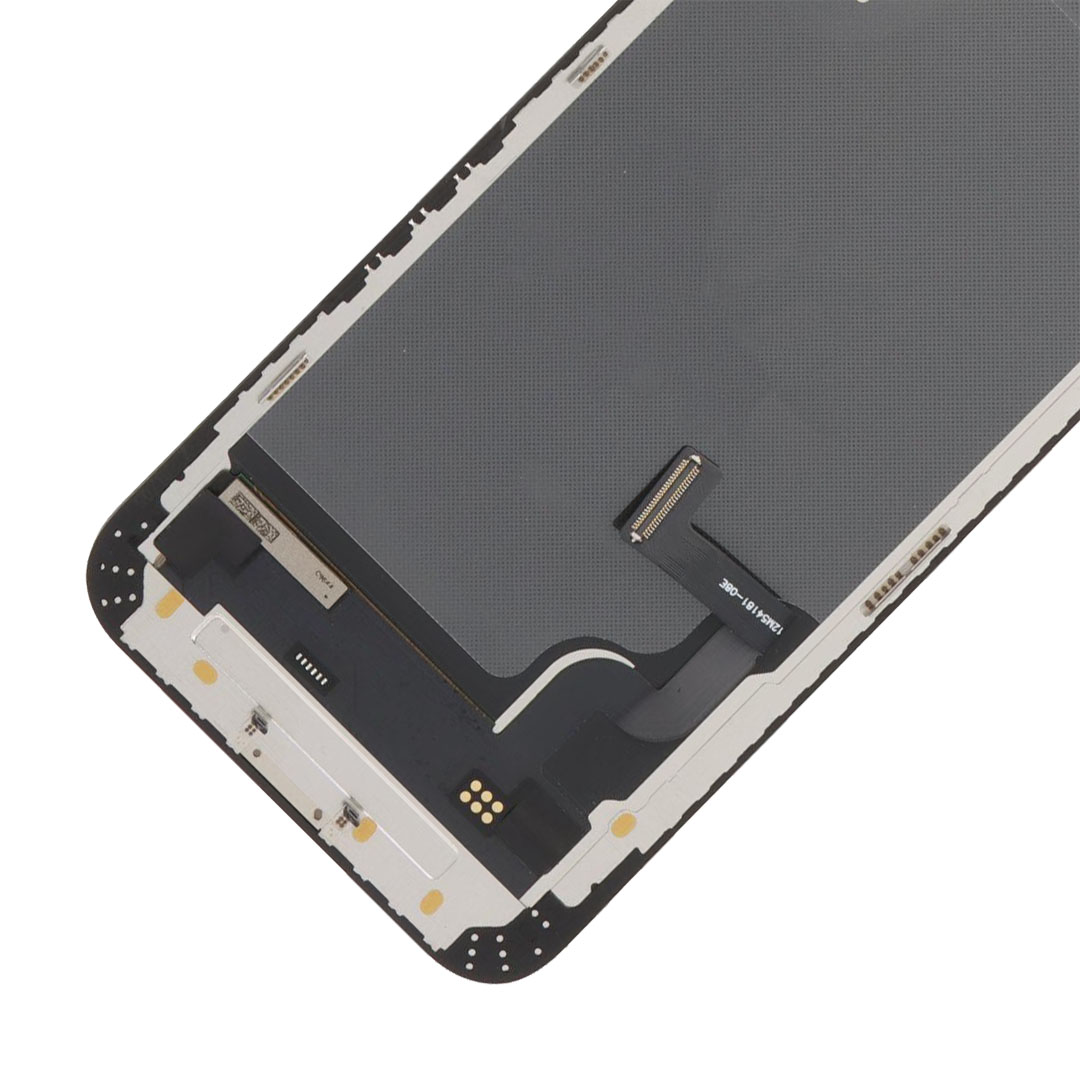
A cracked or dead iPhone 12 mini screen doesn’t mean a new phone. This Hard OLED replacement restores the same 5.4-inch OLED display your phone shipped with, with True Tone intact. It supports True Tone write-in and display IC transfer, so a properly fitted screen won’t leave your iPhone reporting an unknown part. Sent from New Zealand stock with same-day weekday dispatch.
Place your order by 2PM on business days for same-day dispatch. Tracked overnight delivery for only $8 urban areas or $13 rural locations, across New Zealand.
Out of stock
 In Stock!
 In Stock!
 In Stock!
 In Stock!
Only if the display IC isn’t transferred during the repair. That chip carries your phone’s original display data, and this panel supports moving it across from your broken screen. Do that, and iOS treats the new display exactly as it did the old one.
| What you’ll see in Settings | Why | What it means for you |
|---|---|---|
| Nothing unusual under Parts and Service History | The display IC was transferred from your original screen | Your iPhone treats the display as genuine, and True Tone stays available |
| An “Unknown part” entry, and a note that the display can’t be verified | The display IC wasn’t transferred | A message only. The screen still works fully, but the warning stays until the IC is moved across |
It’s the most common complaint after a cheap screen repair, and it comes down entirely to whether the person fitting it does that step.
Replace the display when the panel itself has failed. These are the symptoms this part resolves:
Worth ruling out first: if the phone shows no sign of life at all, no vibration, no charging light and no sound, the fault is more likely the battery or the logic board than the display. Glass that has lifted without being dropped usually points at a swollen battery pushing the screen out of the frame.
This iPhone 12 mini Hard OLED replacement screen is a complete front display assembly, fitting models A2176, A2398, A2399 and A2400. It replaces a cracked, blacked-out or unresponsive screen with a rigid OLED panel matching the original in size and resolution.
Released in 2020, the 12 mini is the smallest modern iPhone and has the tightest internal clearance of its generation.
Important information
Your iPhone 12 mini left the factory with a 5.4-inch Super Retina XDR OLED display at 1080 x 2340, around 476 pixels per inch. This panel matches the size and resolution.
Your iPhone 12 mini shipped at 60Hz, so this panel matches the original refresh rate exactly. There is no smoothness to trade away here, which is not the case on the Pro models.
OLED lights each pixel individually, so black is genuinely black. An Incell or LCD replacement lights the whole panel from behind, which turns blacks grey and loses definition when you tilt the phone. Hard OLED keeps the OLED behaviour at a lower price than Soft OLED. The published specifications for the iPhone 12 mini confirm the original panel, and iFixit's teardown documents how the display assembly comes apart.
This isn’t a straight swap. Your front camera, earpiece speaker and the sensor assembly behind the screen all have to come off the broken panel and onto this one, and the display IC has to move across if you want to avoid the unknown part warning.
There is very little room to work around the flex cables, so this is not the model to learn on.
That’s why we recommend having it fitted unless you’ve done this model before. In-house iPhone 12 mini screen replacement is available if you’d rather hand it over, and we stock the iPhone accessories you’ll want afterwards.
GA Tech NZ has supplied phone parts and repairs since 2017, from stock held in New Zealand. Weekday orders placed before 2pm ship the same day, with tracked overnight delivery nationwide.
| Specification | Detail |
|---|---|
| Product type | Replacement front display assembly |
| Grade | Hard OLED, rigid panel |
| Bonding structure | COF |
| Compatible model | iPhone 12 mini (A2176, A2398, A2399, A2400) |
| Display size | 5.4-inch |
| Resolution | 1080 x 2340 pixels |
| Pixel density | Approximately 476 ppi |
| Panel area | Approximately 71.9 cm², 85.1% of the front of the phone |
| Fits a device measuring | 131.5 x 64.2 x 7.4 mm |
| Refresh rate | 60Hz, matching the original panel |
| Touch | Haptic Touch |
| True Tone | Retained via True Tone write-in |
| Display IC transfer | Supported |
| Surface | Oleophobic coating, polarised glass readable through sunglasses at any angle |
| Transfers from your old screen | Front camera, earpiece, sensor assembly |
| Display adhesive | Not included, sold separately |
| Warranty | 12 months against manufacturing defects |
| Dispatch | Same day on weekday orders before 2pm, NZ stock |
| Feature | Hard OLED | Soft OLED | Incell / LCD |
|---|---|---|---|
| Bonding | COF, driver chip on a film beside the panel | COP, driver chip folded behind the panel | Backlit LCD |
| Black level | True black | True black | Dark grey |
| Refresh rate on this model | 60Hz, matches original | 60Hz, matches original | 60Hz |
| Match to the factory screen | Close | Closest, same construction Apple uses | Noticeably different |
| Price | Lower | Higher | Lowest |
| Best suited to | OLED quality without paying for COP | Repairs that should match the original exactly | Budget repairs where cost decides |
The honest summary: Soft OLED is the closer match, because COP is how Apple builds the panel and it is why that grade costs more. Hard OLED gives you the same true blacks for less money, with the difference showing in construction rather than in what you see day to day. Incell and LCD sit below both on contrast.
This screen fits A2176, A2398, A2399 and A2400. They are the same phone sold in different regions, sharing identical panel dimensions, so one screen covers every one of them.
It does not fit the iPhone 12, 12 Pro or 12 Pro Max. The iPhone 13 mini uses a panel of the same size but a different assembly, so the two are not interchangeable either. Check your model number in Settings > General > About before ordering.
iPhone 12 mini owners with a broken screen. A repair that keeps the OLED contrast the phone shipped with, rather than dropping to a backlit panel you’ll notice every day.
Repair shops and technicians. Display IC transfer support and a predictable component-transfer workflow, on a model that’s still common on the bench.
Experienced DIY repairers. Achievable if you’ve replaced an iPhone screen before. The component transfer is the difficult part, not the panel itself.
For reference if you’re fitting it yourself. Work on a clean bench with proper tools, and take your time on steps three and four, because that’s where most repairs go wrong.
Tools, display adhesive, the front camera, the earpiece and the sensor assembly are not supplied. Those components transfer from your existing screen.
Supplied with a 12-month warranty against manufacturing defects. That covers faults in the panel itself, so it doesn’t cover physical damage after delivery, mistakes made during fitting, damage caused while transferring components, water damage, or wear from repeated removal and refitting.
Change-of-mind returns are accepted on unopened parts in new, unused condition within 7 days of delivery, in line with our terms and conditions. If there’s any chance you’ll return it, leave it sealed.
Not if the display IC is transferred from your original screen. This panel supports that transfer. Without it, iOS lists an unknown part under Parts and Service History and reports that it can’t verify a genuine Apple display. The screen still works either way, but the message stays.
Yes. The panel supports True Tone write-in, which copies the setting across to the new display during the repair.
Yes. Face ID depends on the front sensor assembly, which is attached to the back of your original display and paired to your phone rather than to the screen. Transfer it undamaged and Face ID carries on working.
Yes, 60Hz. The iPhone 12 mini never had ProMotion, so there is nothing to lose here. Refresh rate only becomes a consideration on the Pro models.
Both are OLED with true blacks. Soft OLED uses COP bonding, the same construction Apple uses, which makes it the closer match and the more expensive grade. Hard OLED uses COF, which costs less and performs the same in daily use on this model.
If your model number is A2176, A2398, A2399 or A2400, yes. Check it in Settings, then General, then About.
Display adhesive for this model, which isn’t included, plus a programmer if you want True Tone written across. Tools if you don’t have them.
If you’ve replaced an iPhone screen before, yes. The component transfer is the difficult part rather than the panel, so it’s worth watching a teardown first if you haven’t done this model.
12 months against manufacturing defects, plus change-of-mind returns on unopened parts within 7 days. Fitting damage, physical damage and water damage aren’t covered, so check the panel before you install it.
Not reliably, and that applies to any screen replacement rather than this part in particular. Apple seals the display with factory pressing equipment that a repair bench cannot match, so treat a phone that has been opened as no longer water resistant. Fresh display adhesive holds the screen firmly to the frame, which is what it is there for, but keep the phone away from water afterwards.
Our 12-month warranty covers this panel against manufacturing defects. It does not cover damage caused while fitting, physical damage after delivery, or water damage. Cover on the phone itself is between you and Apple, since this is not an Apple part, so check with them first if your iPhone is still inside its Apple warranty.
We replace iPhone screens in our Queenstown workshop, and the price for each model is listed on our iPhone repair prices page.
About an hour, generally, when we fit it in our Queenstown workshop. If you are fitting it yourself, allow longer: the component transfer is the fiddly part rather than the panel itself.

Reviews
There are no reviews yet.