
Local NZ Stock
Stocked in Queenstown
Daily Dispatch
2pm cut-off, overnight NZ
Quality Focused
Tested, warranty backed
Owned & Operated
Kiwi owned since 2017
GA Tech repair services
Need phone repair in Queenstown? GA Tech repairs iPhone, Samsung, OPPO and other mobile devices, plus MacBook, tablet, laptop and game console repairs. Choose Queenstown drop-off or courier send-in across New Zealand, then select your repair, request a fault assessment, or add an insurance report where needed.
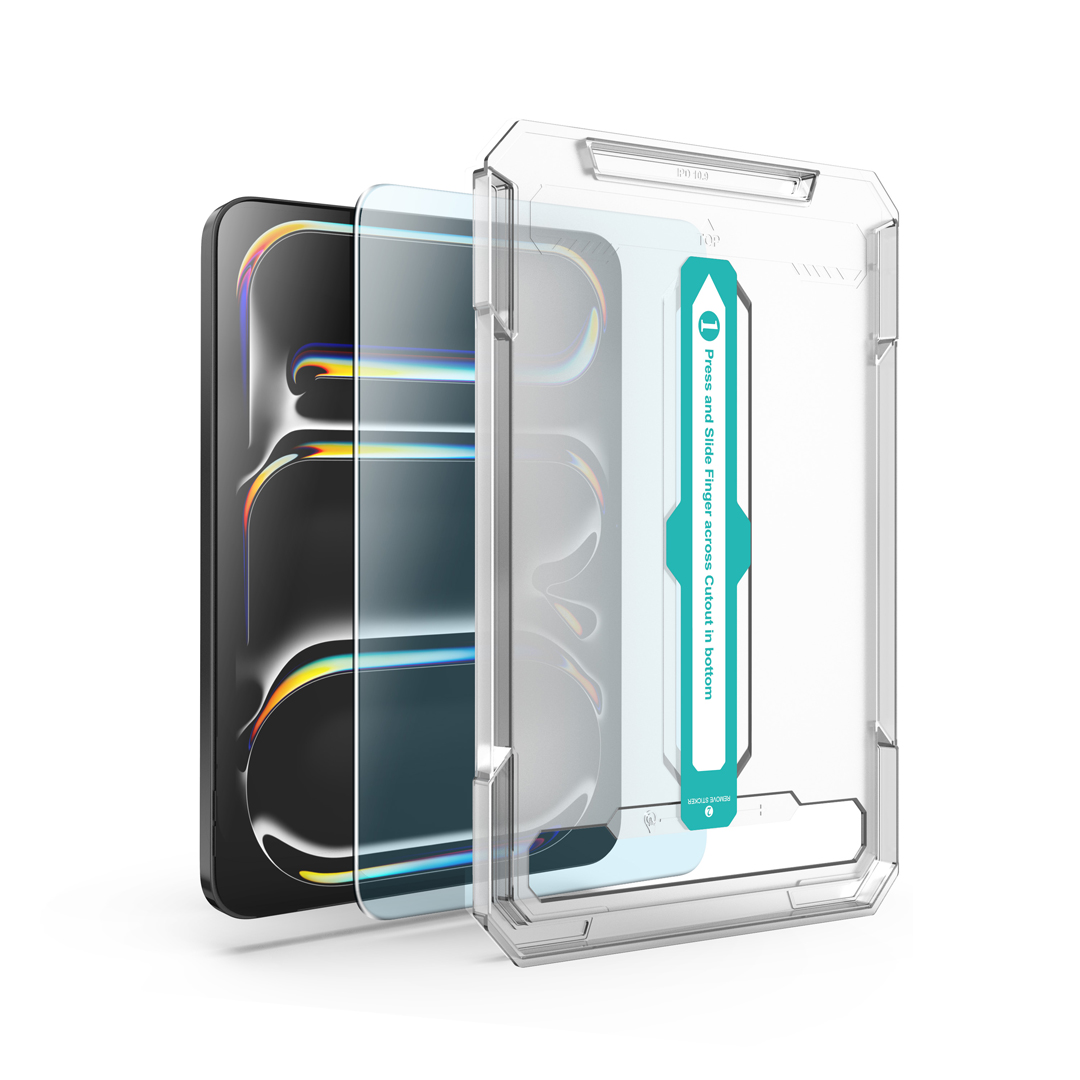
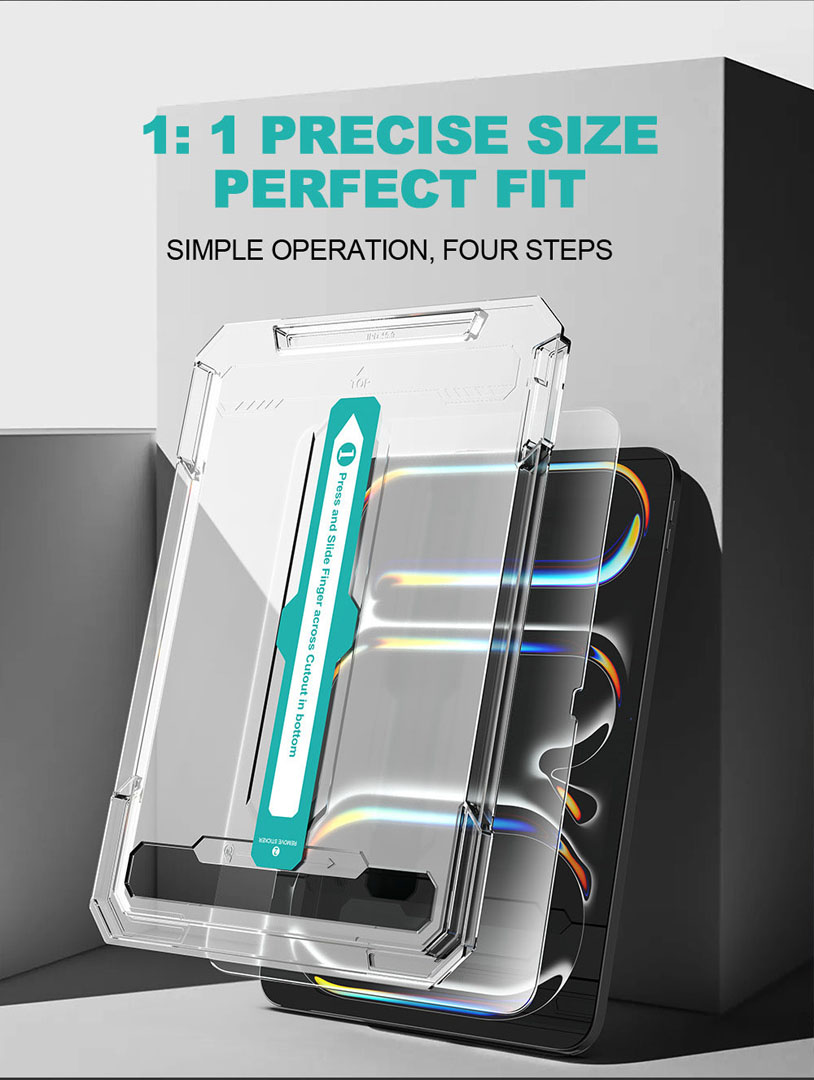
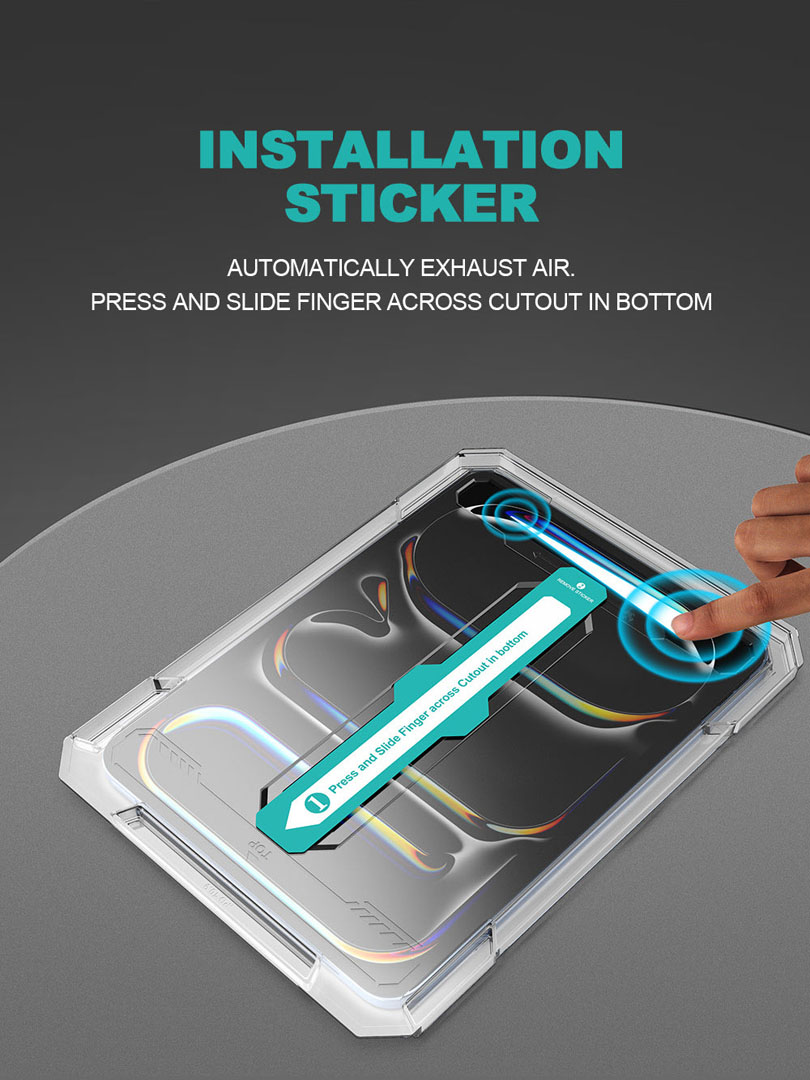
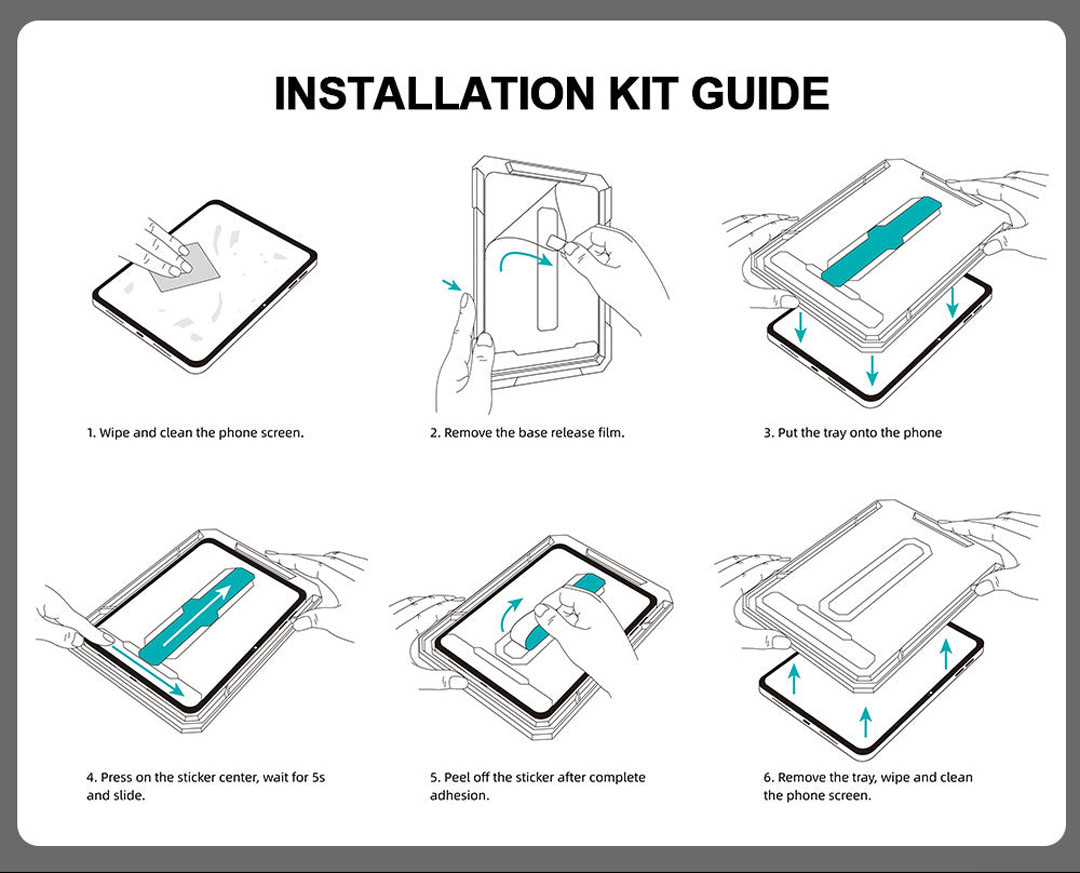
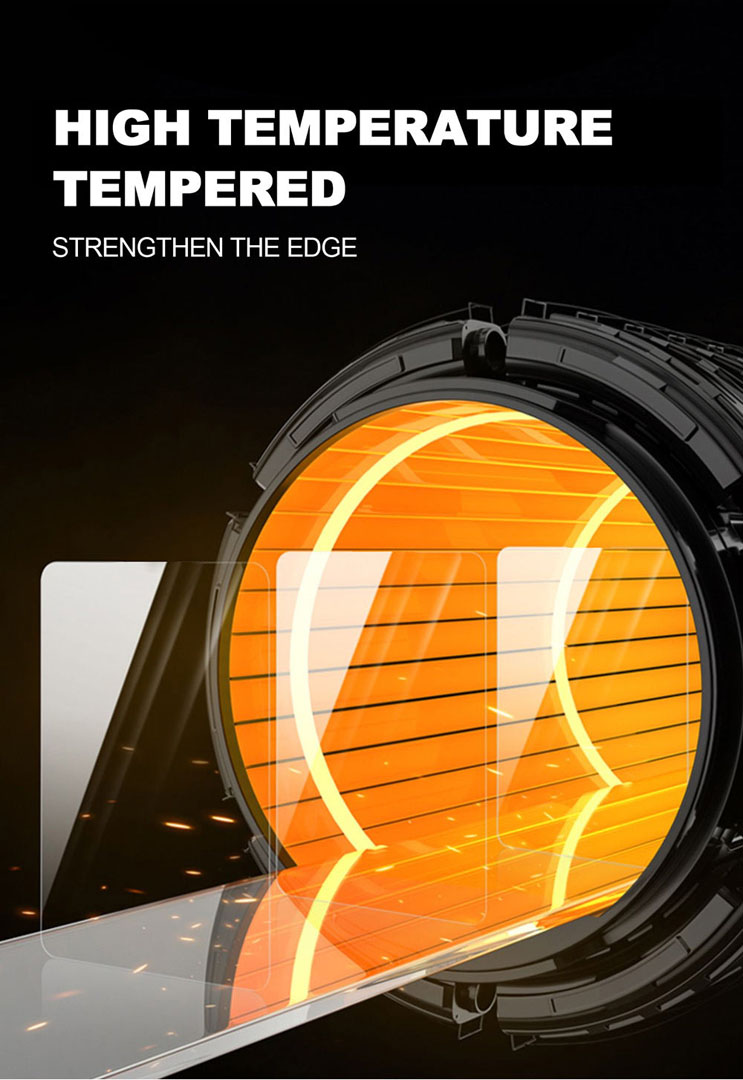
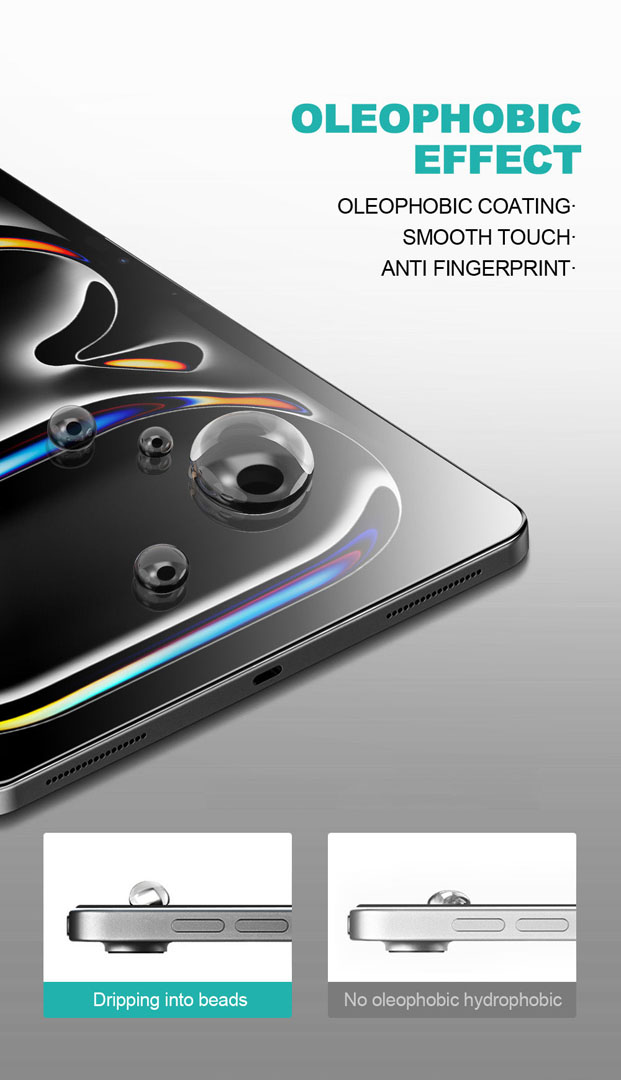
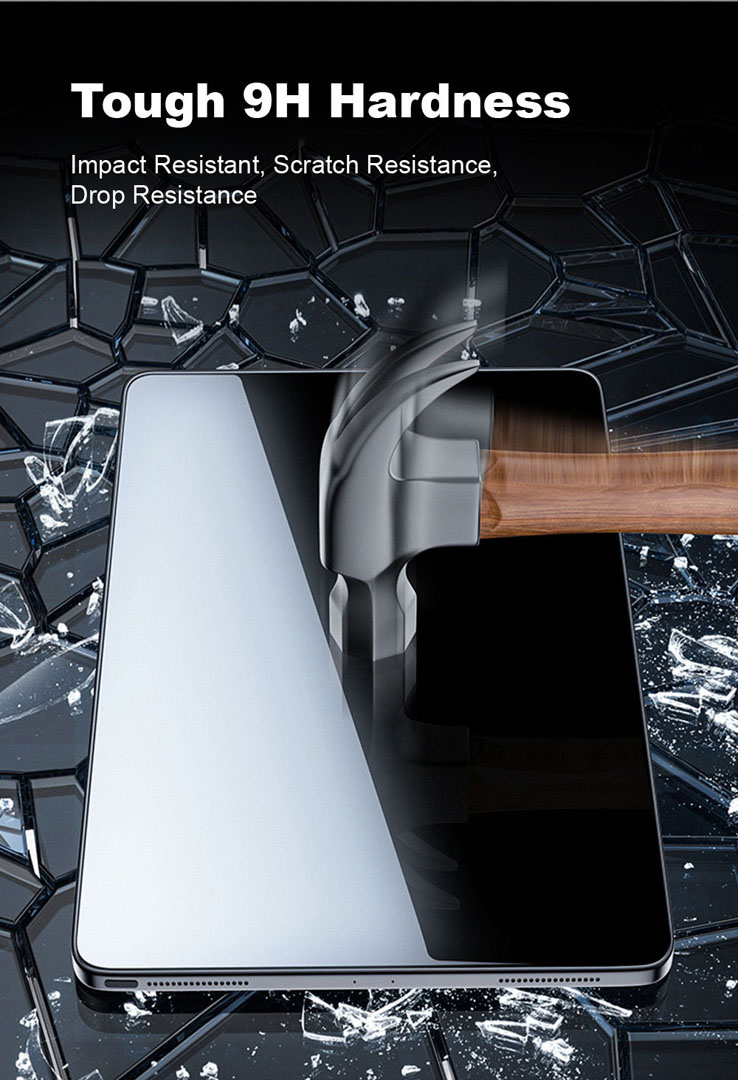
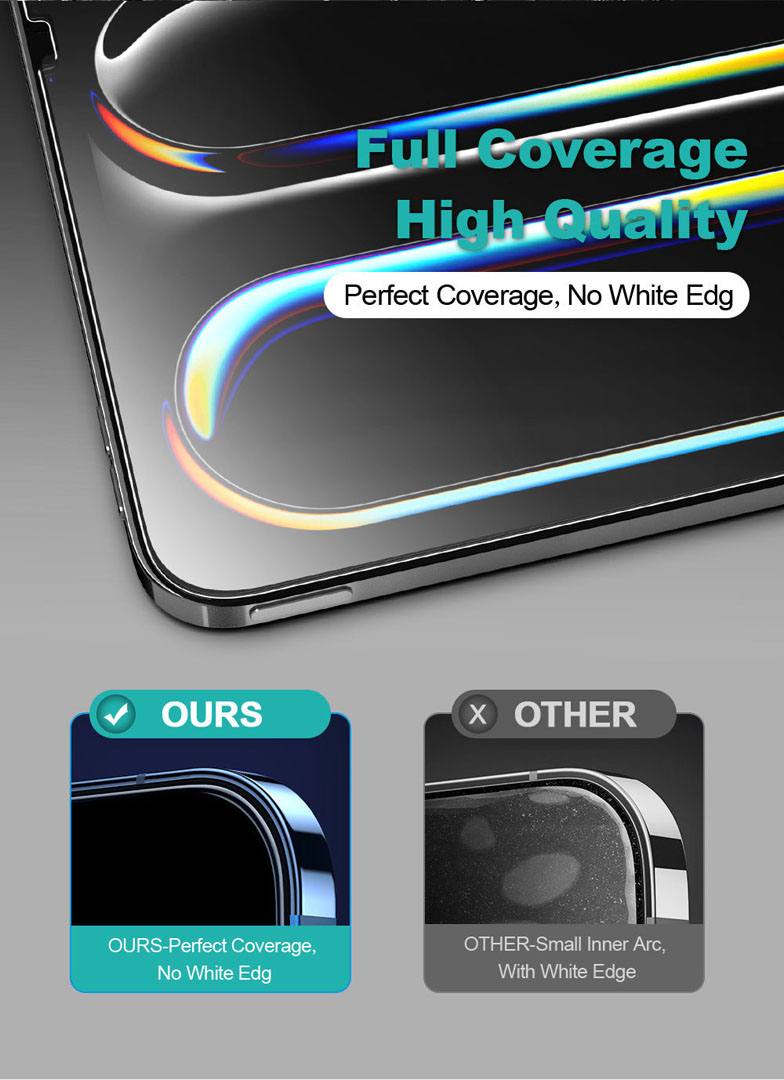
An iPad Air 13-inch screen protector is a 0.33mm tempered glass sheet that bonds to the front of the iPad Air 13-inch display to resist scratches, fingerprints, and impact damage. The same iPad Air 13-inch screen protector fits the M2 (2024), M3 (2025), and M4 (2026) iPad Air, since all three share an identical 13-inch Liquid Retina display. It uses 9H surface hardness, plasma oleophobic coating, and a one-step alignment tool for a cleaner, easier fit on the larger panel. Available from GA Tech NZ with local New Zealand stock and fast dispatch.
Place your order by 2PM on business days for same-day dispatch. Tracked overnight delivery for only $8 urban areas or $13 rural locations, across New Zealand.
2 in stock
An iPad Air 13-inch screen protector is a tempered glass sheet that bonds to the front of the iPad Air 13-inch display to resist scratches, fingerprints, and impact damage. The iPad Air 13-inch screen protector fits the iPad Air (M2, 2024), iPad Air (M3, 2025), and iPad Air (M4, 2026) with 0.33mm tempered glass, 9H hardness, and a one-step alignment tool for a cleaner fit and stronger daily protection on the larger panel. In addition, the active display gets edge-to-edge coverage with full-screen Liquid Retina clarity. Meanwhile, plasma oleophobic coating sits on the outer surface, while anti-shatter lamination helps hold fractured fragments together after impact.
GA Tech NZ stocks tempered glass screen protectors for compatible Apple iPad models with fast local dispatch and tracked shipping across New Zealand. In addition, matching cases, cables, and accessories sit in the tablet accessories category, so buyers can keep fit-check and delivery under one supplier.
This 9H tablet screen protector is rated at the highest standard for tempered screen surfaces. During daily carry, that rating helps resist scratches from keys, Apple Pencil tips, and other hard items across the larger 13-inch surface area. Moreover, plasma oleophobic coating reduces fingerprint transfer, so notes, streaming, browsing, and work apps stay clearer between wipe-downs. In the same way, anti-shatter lamination helps hold fractured fragments together when the top layer cracks, so shards stay bonded instead of scattering across the surface. Therefore, day-to-day handling stays familiar even after a hard knock.
Full-screen coverage spans the visible 13-inch panel edge to edge, so the FaceTime camera area, ambient light sensor, and rounded corner profile all stay clear during normal daily use. At the same time, the iPad Air 13-inch tempered glass keeps a slim profile over the display, while the alignment tool helps position it straight during fitting. As a result, the protector feels easier to place accurately on the first attempt, which matters more on the larger 13-inch panel where free-hand placement leaves more surface area for misalignment. In addition, Apple Pencil Pro and Apple Pencil (USB-C) input remain supported across the full surface during normal daily use, including the hover preview that the Apple Pencil Pro brings to the iPad Air.
Buyers who want to review general iPad model information can visit Apple New Zealand. For broader device comparisons, GSMArena can also be a useful reference point when checking specifications before purchase.
| Specification | Value |
|---|---|
| Material | Tempered glass |
| Thickness | 0.33mm |
| Surface hardness | 9H |
| Surface coating | Plasma oleophobic |
| Lamination | Anti-shatter resin |
| Coverage | Full-screen Liquid Retina, edge to edge |
| Coverage style | Edge-to-edge front coverage |
| Compatible models | iPad Air 13-inch (M2 2024), iPad Air 13-inch (M3 2025), iPad Air 13-inch (M4 2026) |
| Apple Pencil support | Apple Pencil Pro, Apple Pencil (USB-C) |
| Feature | Tempered glass | Standard glass protector |
|---|---|---|
| Glass material | Tempered glass | Standard tempered glass |
| Surface hardness | 9H hardness | Varies by brand |
| Thickness | 0.33mm | Usually 0.3mm to 0.4mm |
| Adhesion style | Full-surface alignment fit | Often simpler adhesive fit |
| Fingerprint resistance | Plasma oleophobic coating | Basic oleophobic coating |
| Touch feel | Smooth, glass-like finish | Varies by coating quality |
| Installation | One-step alignment tool | Manual placement |
| Impact behaviour | Anti-shatter lamination | Standard fracture pattern |
Overall, this tempered glass screen protector combines stronger material quality, better bonding, and easier installation than many standard glass protectors. Therefore, it suits buyers who want a cleaner fit and a more premium daily-use feel on the iPad Air 13-inch.
The 0.33mm profile keeps taps, swipe gestures, and scrolling close to the original Liquid Retina panel response. For example, onscreen keyboards register light taps without added delay, and pinch-to-zoom behaves much like the bare display across the full 13-inch surface. However, heavy thumb marks may still need a microfibre wipe at the end of a busy day. Even so, long-form reading stays visually even without hazing at the frame. In other words, the protector aims to preserve both clarity and day-to-day responsiveness across the larger display.
The alignment hardware supports straight placement on the larger 13-inch panel, so adhesive open time against airborne dust stays short. As a result, first-time users can work more confidently during fitting. In turn, that helps reduce the chance of needing to lift and reposition the glass on a panel where surface area, and dust risk, are both larger.
Daily use stays familiar because charging, speaker output, Apple Pencil magnetic attachment, and button feel stay unchanged. Likewise, the iPad Air remains easy to handle after installation.
This listing fits the iPad Air 13-inch (M2, 2024), iPad Air 13-inch (M3, 2025), and iPad Air 13-inch (M4, 2026). Apple introduced the 13-inch iPad Air with the M2 generation in May 2024, making it the first iPad Air ever offered at this size, and Apple has kept the active display dimensions identical across the three generations since. Consequently, a single shared-fit tempered glass sheet covers all three models without trimming or repositioning. The glass is shaped for precise edge-to-edge front coverage, so the protector sits cleanly across the Liquid Retina display. Apple Pencil Pro and Apple Pencil (USB-C) input remain supported across the compatible model range. Because this protector is cut for the 13-inch iPad Air display, buyers should not use it on the 11-inch iPad Air, the iPad Pro, the iPad mini, or the standard iPad.
The glass also works with most standard cases and Smart Folio covers shaped for the iPad Air 13-inch. For example, its edge profile helps reduce lifting when you pair the iPad Air with slim covers, folio cases, and many everyday protective cases, including the Magic Keyboard for iPad Air 13-inch. Therefore, install the glass first, check the fit, and then put the case back on the tablet. To browse compatible cases, visit the iPad and tablet accessories category.
However, the package does not include the iPad, Apple Pencil, charger, cable, keyboard cover, or case. Matching iPad accessories are available across the GA Tech NZ catalogue.
Yes. The alignment tool centres the glass over the 13-inch Liquid Retina display, so repeated lifting during fitting is reduced. This matters especially on the larger iPad Air, where free-hand placement leaves more surface area for misalignment.
Yes. On the iPad Air 13-inch, Touch ID is built into the top button rather than under the display, so a front-glass screen protector does not cover the sensor and Touch ID continues to work as normal.
Yes. The 0.33mm thickness and full-surface bonding preserve Apple Pencil input across the compatible model range, so the Apple Pencil Pro and the Apple Pencil (USB-C) continue to work for writing, drawing, and note-taking. The Apple Pencil Pro hover preview is also preserved during normal daily use.
No. The glass covers the full display, while the FaceTime camera sits inside the bezel and the front camera area remains clear for normal daily use, including FaceTime, Center Stage, and photos.
The iPad Air 13-inch screen protector is 0.33mm thick. Because the slim profile sits close to the panel, taps and swipe gestures stay close to the bare-display response, while the 9H tempered glass surface still resists scratches from everyday objects.
Plasma oleophobic coating bonds at the molecular level rather than sitting on the surface as a sprayed layer, so its fingerprint resistance lasts longer than basic coatings. However, daily use, cleaning frequency, and exposure to harsh chemicals all affect coating life.
Yes. Hand sanitiser and standard screen wipes are safe to use on the tempered glass surface. However, ammonia-based glass cleaners and acetone-based solvents can degrade the oleophobic coating over time, so they are best avoided.
Tempered glass at 9H hardness resists scratches more effectively than plastic film, while anti-shatter lamination helps hold fragments together after impact. In contrast, plastic film is thinner and more flexible but generally offers less impact resistance and a softer touch feel,

Reviews
There are no reviews yet.