Local NZ Stock
Stocked in Queenstown
Daily Dispatch
2pm cut-off, overnight NZ
Quality Focused
Tested, warranty backed
Owned & Operated
Kiwi owned since 2017
GA Tech repair services
Need phone repair in Queenstown? GA Tech repairs iPhone, Samsung, OPPO and other mobile devices, plus MacBook, tablet, laptop and game console repairs. Choose Queenstown drop-off or courier send-in across New Zealand, then select your repair, request a fault assessment, or add an insurance report where needed.
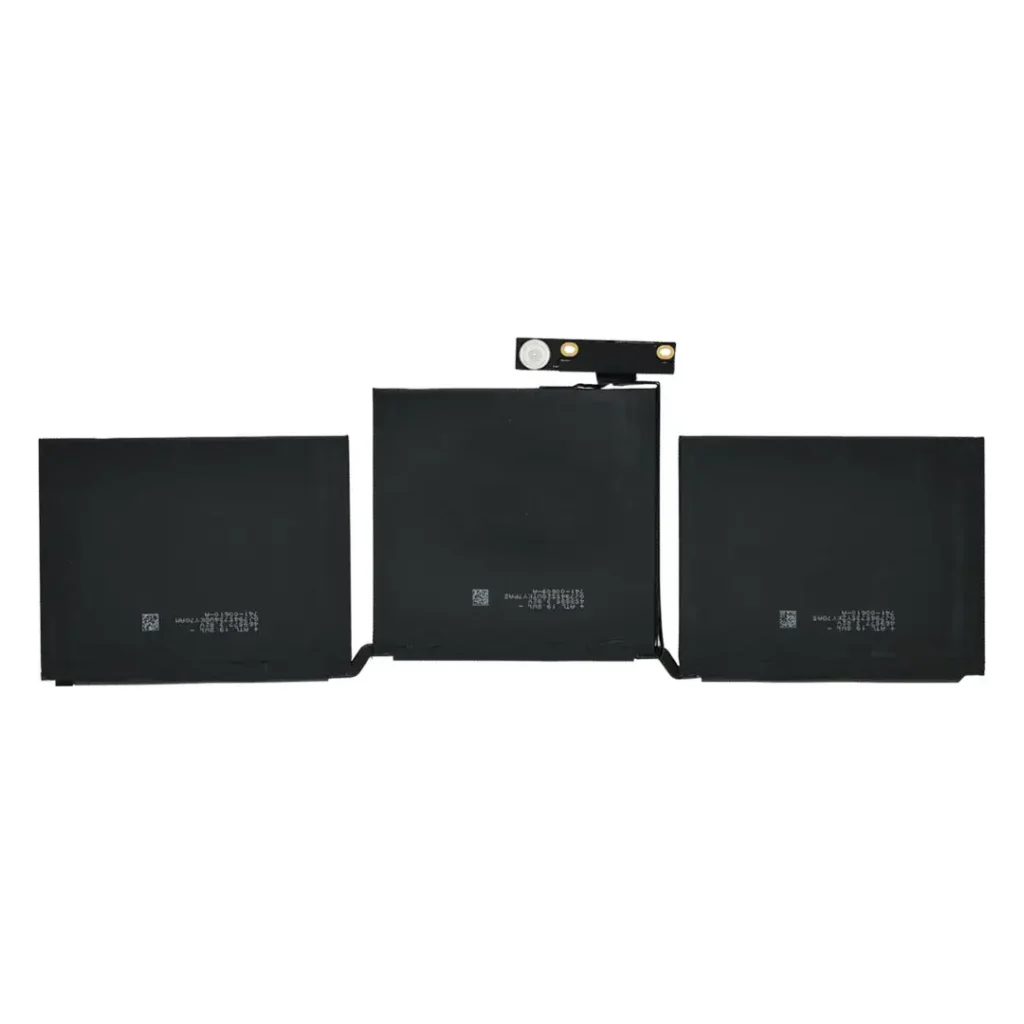
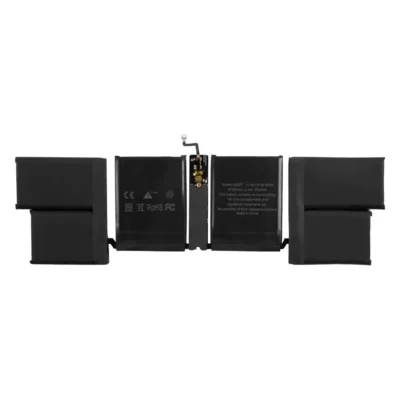
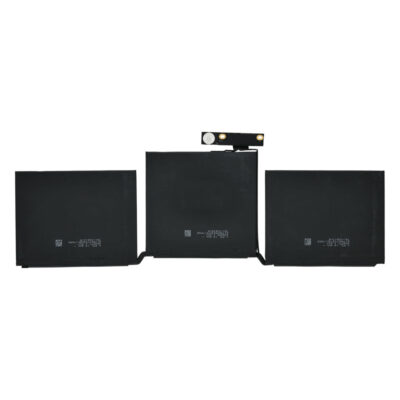
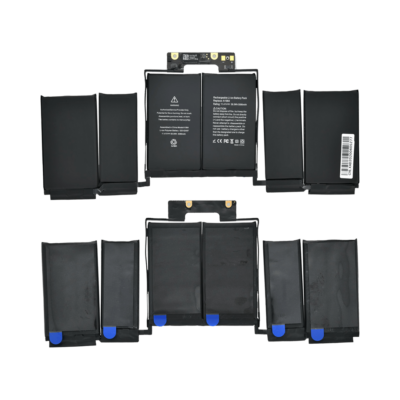
Replacement cells for the MacBook Pro 13-inch, stocked in Queenstown. Each listing is a zero-cycle, factory-fresh cell dimensionally matched to the original part.
A MacBook Pro 13-inch that shuts down with charge still showing, runs hot doing very little, or has a visibly swollen case has a worn cell rather than a fault elsewhere. Capacity falls with every charge cycle, and in daily use the drop becomes noticeable after a few years.
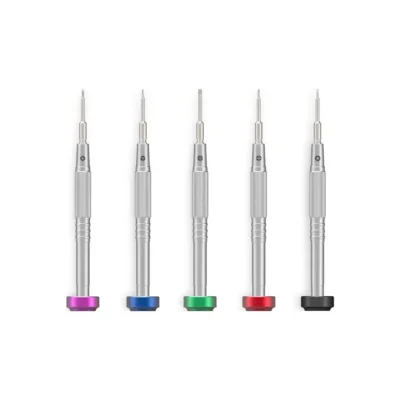
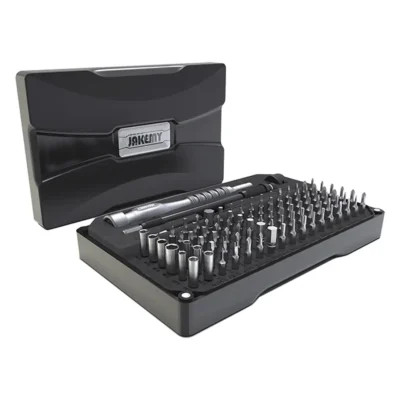
Every battery here includes the adhesive and screwdrivers needed for the job, so there is nothing else to source before starting.
Everything here is held locally. Orders placed before 2pm on a working day are packed and dispatched that afternoon, which for most of the country means next day. Everything else for this range is under MacBook Pro 13-inch spare parts. Fitting can be booked through the MacBook Pro 13-inch repair prices page.
Stop using it and stop charging it straight away. A swollen cell puts pressure on the case and screen and should be replaced promptly rather than left in the device.
Aftermarket cells often cannot report health data the way an original part does, and the device may show a service message. This does not affect how the battery performs.
Yes, every battery here includes both.
6 months against manufacturing defects, and change-of-mind returns on unopened parts within 7 days, under our terms and conditions.
Yes. We replace MacBook Pro 13-inch batteries in-house: see MacBook Pro 13-inch repair prices for the models we fit and what it costs.
Your cart is empty.
Continue shopping