Local NZ Stock
Stocked in Queenstown
Daily Dispatch
2pm cut-off, overnight NZ
Quality Focused
Tested, warranty backed
Owned & Operated
Kiwi owned since 2017
GA Tech repair services
Need phone repair in Queenstown? GA Tech repairs iPhone, Samsung, OPPO and other mobile devices, plus MacBook, tablet, laptop and game console repairs. Choose Queenstown drop-off or courier send-in across New Zealand, then select your repair, request a fault assessment, or add an insurance report where needed.
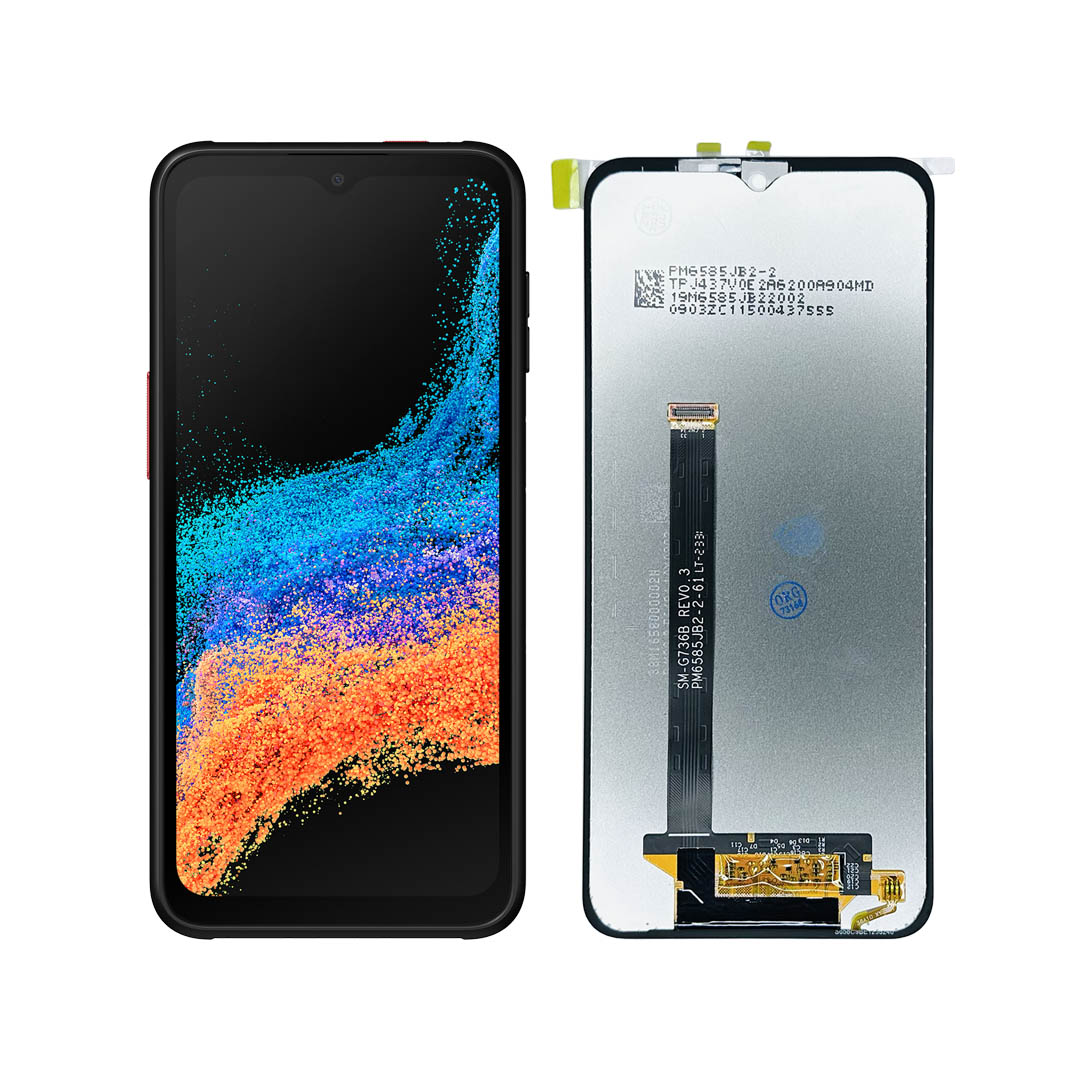
Premium replacement for Samsung Galaxy XCover 6 Pro.
Disassembly video for instructions
Place your order by 2PM on business days for same-day dispatch. Tracked overnight delivery for only $8 urban areas or $13 rural locations, across New Zealand.
Out of stock
The Samsung XCover6Pro screen replacement restores clarity and touch response to your device. This module arrives as LCD bonded with digitiser without frame, so you refit it into the original housing. Once seated, alignment holds true, edges remain flush, and the finish looks factory neat. Because colour and touch go through calibration, scrolling stays fluid, taps respond instantly, and media shows natural tones in every app. Consequently, you can work, stream, and browse with confidence again.
Repair work runs smoother when the panel is built right. This assembly reduces flex during handling and supports even pressure across the glass. Furthermore, the bonded stack helps preserve contrast and clarity after closure. Technicians value consistent results; therefore, each unit undergoes checks for pixel integrity, brightness, and touch accuracy. As a result, you regain dependable performance for maps, banking, creative apps, and HD video playback.
Warm the bezel evenly, release clips in sequence, and transfer cameras, sensors, gaskets, and brackets before sealing. Next, test for colour, brightness, and touch at the bench. Because the assembly seats into the original frame, closure feels solid. Ultimately, this upgrade extends the life of your phone and supports resale value.
If you would prefer a professional repair, GA Tech also offers in-house installation for the Samsung Galaxy XCover 6 Pro screen. Our experienced technicians handle disassembly with care and carry out final checks for colour, touch, and alignment. Choosing this service saves time, reduces risk, and ensures a finish that feels factory clean. Contact us to arrange a fast turnaround and restore your device with confidence.
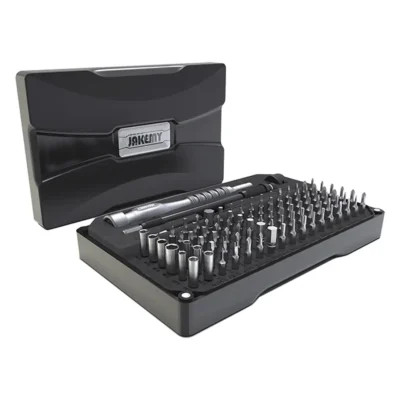
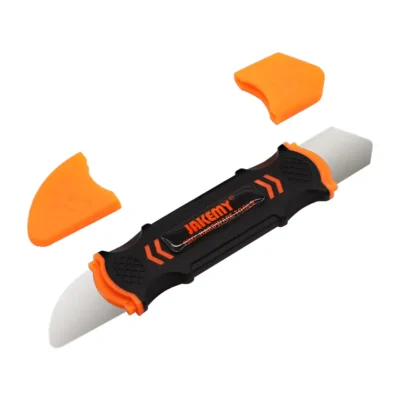
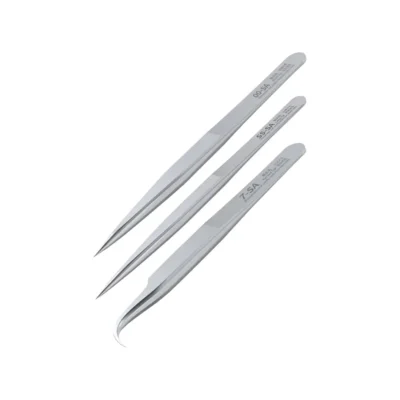
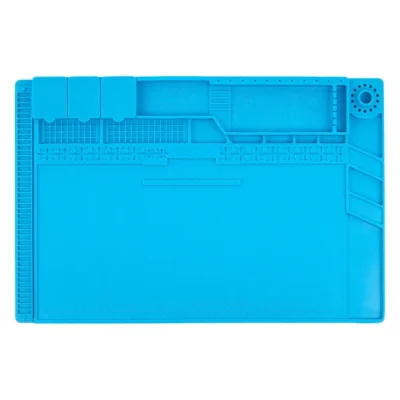
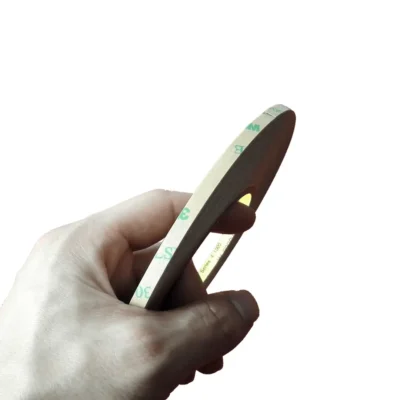
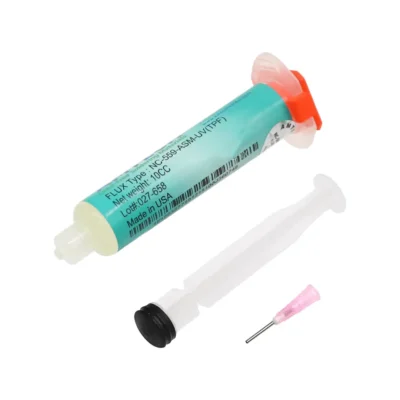
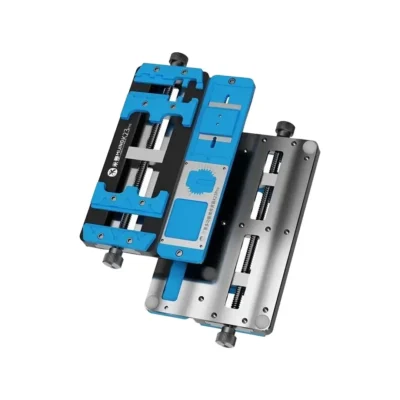
Use fresh adhesive, route cables flat, and tighten screws to original depth. For a cleaner result and fewer retries, complete the repair with our professional repair tools. For device references and specifications, see the Samsung Galaxy XCover 6 Pro on GSMArena. Choose quality parts, follow measured steps, and enjoy a display that feels new again.