$6.00
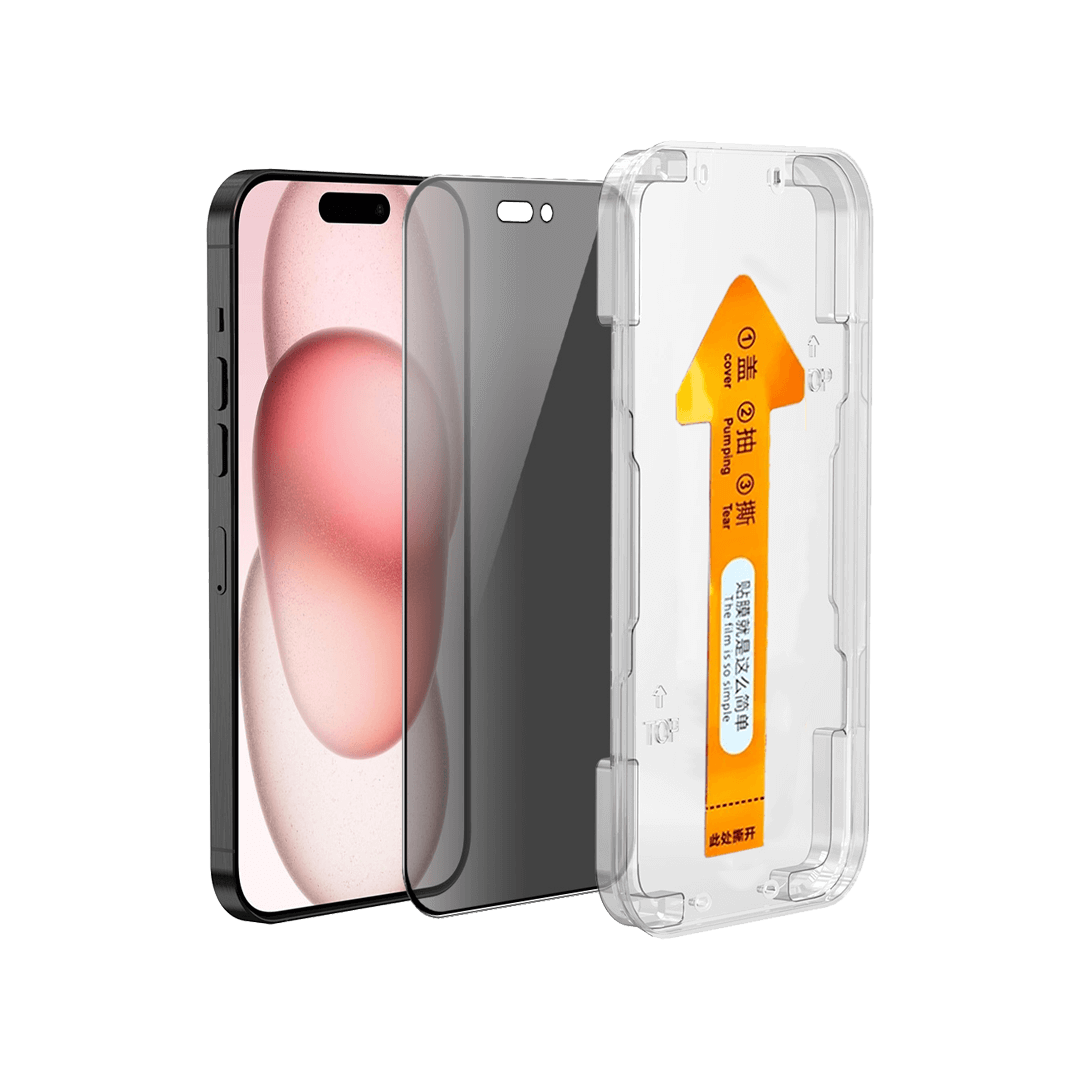
iPhone iPhone 16 & 15 privacy tempered glass screen protector New Zealand installs perfectly in seconds with a dust-free alignment kit. Enjoy smooth glass touch, 9H scratch resistance, and 30% angle privacy while keeping your screen safe and case-friendly.
Place your order by 2PM on business days for same-day dispatch. Tracked overnight delivery for only $8 urban areas or $13 rural locations, across New Zealand.
8 in stock
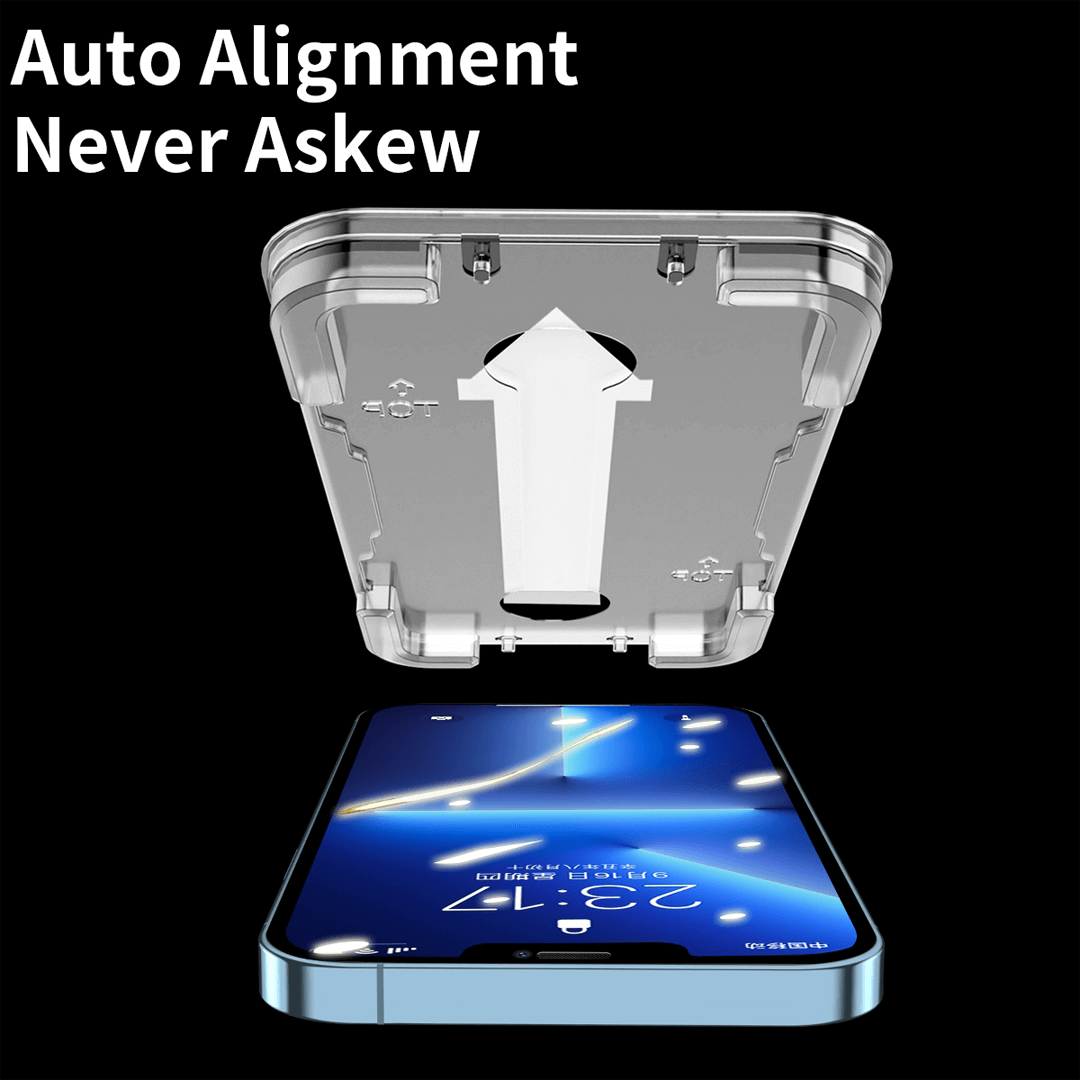
iPhone 16 & 15 privacy privacy tempered glass screen protector NZIt installs in seconds with a dust-free alignment kit, so bubbles vanish and clarity stays pristine from day one.
Because the guided tray centres the glass for you, placement feels simple and accurate. In addition, the real-glass surface keeps swipes smooth and colours true. As a result, everyday knocks feel less worrying and your screen keeps that fresh-out-of-the-box look. This protector is a perfect fit for iPhone 16 & iPhone 15.
Q: Will it affect Face ID or touch?
A: No. At just 0.33 mm, Face ID and touch stay responsive.
Q: Is it case-friendly?
A: Yes, it is designed to sit neatly with most cases, which helps avoid edge lift.
Q: How easy is installation?
A: Clean the screen, place the tray, then pull the tab. The glass aligns itself, so the result looks professional.
Q: How do I clean it?
A: Wipe with the microfiber cloth. The oleophobic layer helps resist marks.
Complete your protection with a matching case available in New Zealand.
For the latest device details, visit GSMArena.
| Weight | 0.0098 kg |
|---|
Only logged in customers who have purchased this product may leave a review.
If you have any requests or enquiries about a product not shown here, please fill the form and we will get back to you with price and availability.

Reviews
There are no reviews yet.